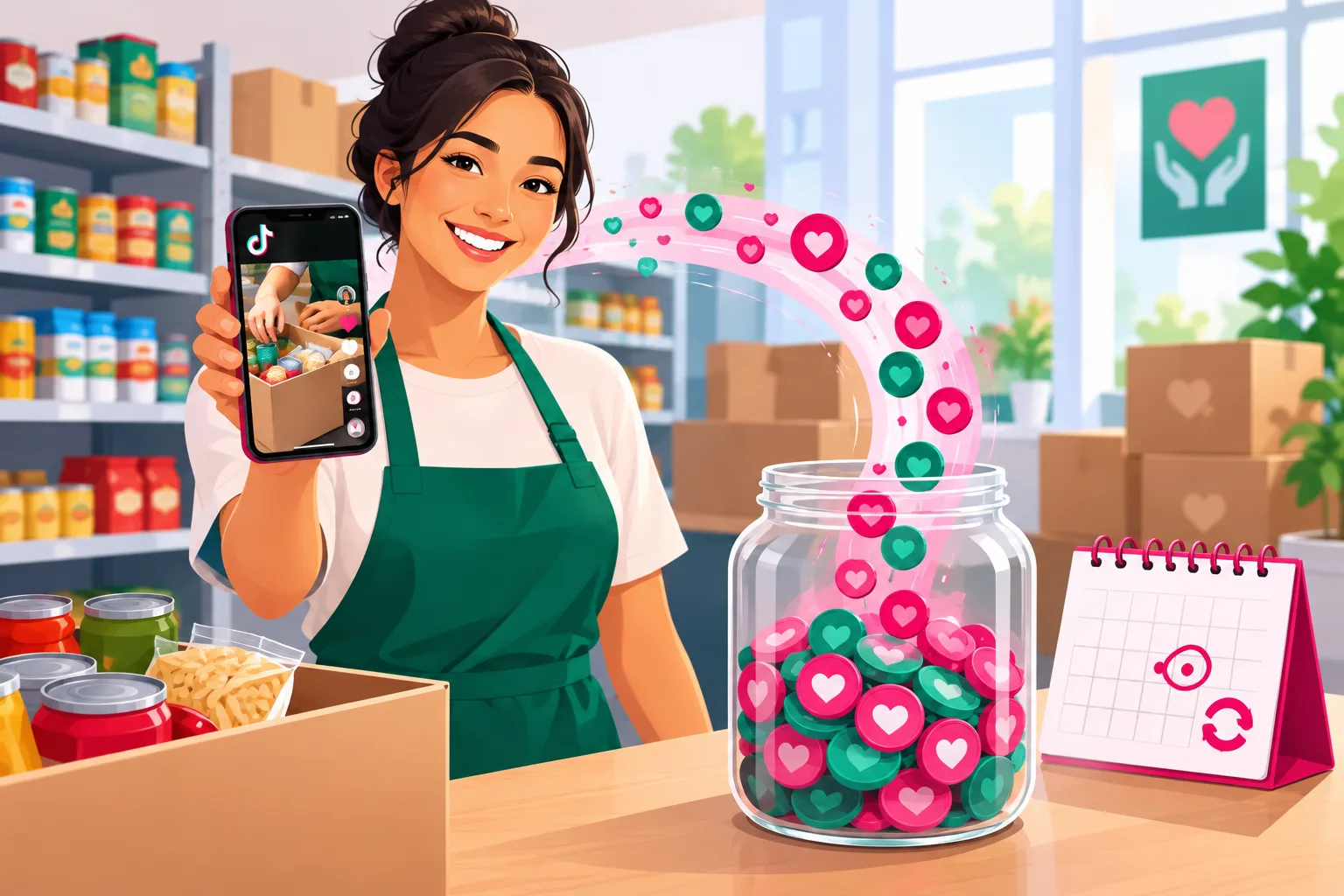
Every other guide on this platform about making money starts by telling a creator which of six streams to turn on. Yours starts with a number that is usually filed under the sector's problems: for years, the industry's own benchmarks have put first-time donor retention near one in five. Four of every five people who give once never give again. And that single number is the entire reason TikTok fundraising works - because a follower is a donor you can thank, show the result to, and ask again for free.
Here is the version of fundraising that fails on TikTok. An organization gets approved for the donation sticker, puts an ask in every video, and waits. A video goes viral, three thousand people give five dollars, the board celebrates, and nobody is thanked, nobody is asked again, and the names were never captured. By February the whole thing is a line in last year's report. The account concludes that TikTok "doesn't raise money." It raised plenty. It just raised it once.
The version that works is quieter. The money on TikTok is not in the first gift; it is in the second gift and the monthly donor, and both are produced by the same thing: a person who watched twelve monthly receipts, believes the money does what you say, and was given a link and an email box at the moment they decided. This guide is about building that - and it says exactly which of TikTok's in-app tools you qualify for, which ones you do not need, and why the biggest lever is a page you already own.
It is also the fundraising-specific half of the two-maps decision from our complete nonprofit guide. Money travels and hands don't, so this is mostly the dollars path - the borderless audience that funds the work. If your account exists to fill Saturday shifts, the growth roadmap covers the hands path; the in-kind section below is the overlap.
The honest summary:
- The second gift is the conversion. A viral spike of first gifts with no thank-you and no list is gone by February. Count second gifts and monthly donors; never count views or the sticker total alone.
- The in-app tools are real, gated, and not the main event. Donation stickers, profile fundraisers, and LIVE donations run through TikTok's fundraising partner and are open only to approved organizations. Apply if you qualify. Do not wait on it.
- The bio link to your own page is the engine. Every organization can use it today, it keeps the monthly option visible, and it is the only route that reliably hands you the donor's email - which is the second gift.
- Monthly giving is the product. Recurring donors are retained at roughly four in five against one in five for first-timers. The January conversion of December's one-time donors is the most valuable video of your year.
- LIVE gifts are not donations. Roses and lions are purchases from the platform, not gifts to you: no deduction, no receipt, and a trust problem if you let a viewer think otherwise.
- Every stream here is governed by state charitable-solicitation law, the 501(c)(3) rules, FTC disclosure, and the consent you got from the people in the video. Read section 9 before you turn anything on.
What's Inside
- 1. The Math That Changes Everything
- 2. Stream One: TikTok's In-App Tools (Donation Sticker, Profile Fundraiser, LIVE Donations)
- 3. Stream Two: The Bio Link and the Three-Button Page Everyone Can Use
- 4. Stream Three: Monthly Giving Is the Product
- 5. Stream Four: Matching Gifts and the Challenge Match
- 6. Stream Five: Peer-to-Peer, Birthday Fundraisers & Creator Partnerships
- 7. Stream Six: LIVE, Merch & In-Kind - What Is and Isn't a Donation
- 8. The Year-End Sequence: October Receipt to December 31
- 9. The Charity Rules That Protect Your Status
- 10. The Order to Build It In
- 11. The Four Numbers to Report to the Board
- 12. The Mistakes That Turn Fundraising Into a Spike
- 13. When Paid Amplification Builds Donors Instead of Burning Them
- Frequently Asked Questions
1. The Math That Changes Everything
Start with three numbers, because they decide every choice below. The sector's own benchmarking project has reported new-donor retention in the high teens for years - roughly one in five first-time donors gives again. Recurring donors, by contrast, are retained at something like four in five, and a monthly donor's lifetime value runs about double a one-time donor's. And a donor who gives a second time is roughly three times as likely to keep giving as one who gave once.
Put those together and the shape of nonprofit fundraising on TikTok appears. The first gift is not the prize. The first gift is a lead - someone who has raised their hand - and most leads are lost not because they stopped caring but because the only two things they ever received were a tax receipt and, three months later, another ask. The prize is the second gift, and the annuity is the monthly donor.
Now look at what a follower is, in that light. A follower is a person you can thank for free, show the result to for free, and ask again for free - the three things a direct-mail donor costs money to receive. Twelve monthly receipt videos later, the doubt under every gift not given ("how much actually goes to the work?") has quietly dissolved, and when the moment comes - GivingTuesday, a story, their own birthday, December 30 - the ask is answered by someone who already believes you. That is why the supporter ladder in the pillar guide has a rung no other sector has: the person who now believes the money does what you say.
Here is the inversion that the rest of this guide follows. On TikTok, the goal of fundraising is not gifts. It is retained donors - and gifts are how you count them. A campaign that brings in two hundred first gifts with names, emails, and a 48-hour thank-you is worth more than a viral spike of three thousand anonymous five-dollar gifts through a sticker, because the first one can be asked again and the second cannot.
The content side of this - the receipt, the one story, the hook on the fix and never the pity - is covered in the content ideas vault. This guide assumes the engine exists and asks what to attach to it.
2. Stream One: TikTok's In-App Tools (Donation Sticker, Profile Fundraiser, LIVE Donations)
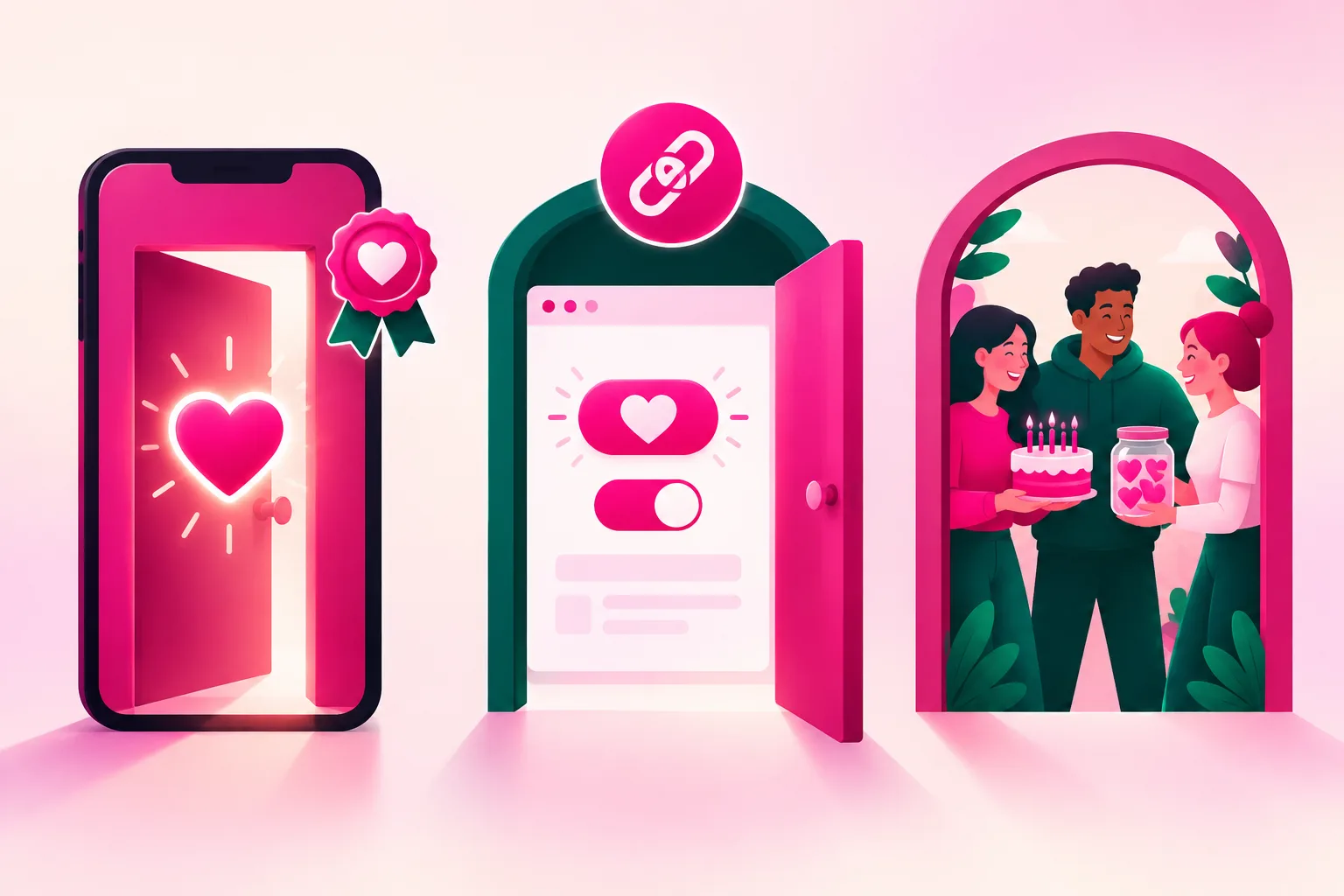
TikTok has built real giving features, and it is worth being exact about what they are, because most articles on this topic describe them as if every organization can switch them on tomorrow. Three features exist at the time of writing. A donation sticker that any creator can add to a video or a LIVE, which collects gifts for a nonprofit chosen from a list. A donation link on the profile - sometimes called a profile fundraiser - that puts a giving button on the account itself. And LIVE donations, which are the sticker inside a live stream.
All three are processed through TikTok's fundraising partner, Tiltify, and all three require your organization to be on the approved list. That is the catch most small organizations hit. By published accounts you set up a cause profile with the partner (and, according to several guides, with Benevity Causes), the approval takes days to weeks, and newly registered or non-US organizations may not qualify at all. Details published at the time of writing include a $3 minimum gift and a requirement that donors be 18 or older. Our read of the fee picture: TikTok itself has said it takes nothing, the partner platform charges a fee that donors can choose to cover at checkout, and whichever payment processor your charity enabled (a PayPal giving program, Stripe, or another) takes its usual transaction cut. Check every one of those directly with the partner before you tell your board a number.
The reason to want these features is not the money they collect directly. It is that other people can use them for you. Once your organization is on the list, any creator with any audience can add your sticker to a video, and a supporter can attach a fundraiser for you to their own profile. That is a peer-to-peer channel you do not have to build. The in-app path is also frictionless for the viewer - a few taps, no new tab - and on a video that is already traveling, friction is the whole game.
The reason not to lean on them is the thing this guide is built around. A gift through the in-app flow often arrives without the donor's email, depending on what the donor and the partner settings allow. You get the money and, often, not the person - which means no 48-hour thank-you from a human, no receipt video sent to them in January, no second ask. A sticker-only fundraising strategy is a machine for producing the exact viral spike section 1 warned about.
So the rule is: apply if you are eligible, turn the sticker on for videos that are already traveling, and treat every in-app gift as a bonus layered on top of a page you own - never as the strategy. If you are not eligible, you have lost very little. The next section is where the money actually lives.
3. Stream Two: The Bio Link and the Three-Button Page Everyone Can Use
Every organization, approved or not, can do this today: a clickable link in the bio that opens one page you control. Register the account as a business account under the organization's own email (it makes the website field clickable and keeps the login out of a volunteer's personal phone), and send it to a page with three plain buttons: give, volunteer, get help. The growth roadmap covers why all three belong there; this section is about the first button.
The give page is a fundraising instrument, and most of them are built as if they were a cashier. Four changes do most of the work:
- Amounts tied to the receipt. Not $25, $50, $100. "$12 - a week of groceries for one household. $40 - one night in the shelter with a hot meal. $90 - a month of tutoring for one kid." The donor is picturing the thing your video showed them; let the button say it.
- Monthly visible by default. Not a hidden toggle. The monthly option is the first thing on the page, with the one-time option beside it, because section 4 is the whole business.
- A fee-cover box and an email field. Most donors will tick the box that covers the processing fee if you ask plainly. And the email field is not optional for you: the email is the second gift.
- A thank-you that is a human, not a receipt. The automatic tax receipt goes out instantly. The thing that makes a second gift goes out within 48 hours - a fifteen-second video or a personal note saying what this specific gift will do this week. Pre-record a bank of them in November.

Then make the page and the content one object. The pinned video on the account is the receipt - "here is exactly what last month's gifts did, line by line, including the boring parts" - and its caption carries the link. Every ask in every video ends with the same six words, said out loud: "the link is in our bio." When a campaign changes, you change the page, never the bio, so a video from March still lands somewhere that works in December.
One specific receipt move earns more than any other on the page: put overhead on it. The rent, the van insurance, the half-time coordinator. The question under every gift not given is where the money goes, and the organizations that answer it with the boring parts included are the ones donors stop doubting. Our ten receipt ideas include the "what we spent on us" video for exactly this reason.
A practical note on tools: any mainstream donation platform does all of the above. The thing to check before choosing is whether it exports the donor's email and gift history to wherever you keep your donor records, because section 11 asks you to count second gifts, and you cannot count what you cannot see.
4. Stream Three: Monthly Giving Is the Product
If the dentist two guides over sells recall patients and the vet sells wellness plans, you sell monthly donors. A $20-a-month supporter is $240 a year, and recurring donors are retained at something like four in five year over year - published benchmarks put monthly donor retention around seven in ten after twelve months and above half after two years, against roughly a quarter for new one-time online donors. A monthly donor who stays three years is $720 from one decision, and that decision was made by someone who watched your receipts.
The monthly program is a product, so give it the things a product has. A name that is not "sustainers" (nobody wants to be a sustainer; they want to be "the Tuesday crew" or "the pantry regulars"). A single video that explains what one month does - "$15 a month is one household's groceries every month, and here is the household-sized box" - that lives in your pinned trio year-round. A monthly-only thank-you: the people on the program get the receipt first, as a short video sent to the list, before it is posted.
The most valuable video of your year is the January conversion. Every December one-time donor gets, in the second week of January, the report of what December did - and one ask: "you did this once; here is what it looks like every month." Donors who just gave are the people most likely to give again, and January is the cheapest month to reach them because nobody else is asking. Our giving calendar calls this the thank-and-report month, and this is what it is for.
Two cautions. First, an upgrade ask (from $10 to $15 a month) is legitimate, but earn it with a receipt first and ask once a year, not quarterly. Second, a monthly donor who cancels is not a loss to chase with a guilt message; it is a person who gave for eleven months and deserves the same thank-you as anyone else. The way you treat a cancellation is watched by everyone who is still deciding.
5. Stream Four: Matching Gifts and the Challenge Match
There is money already committed to your cause that nobody is collecting. Industry estimates put the matching-gift funds left unclaimed every year in the billions - commonly cited in the $4 to $7 billion range - mostly because the overwhelming majority of donors do not know whether their employer matches. Surveys in the same research report that most donors say they are more likely to give when a match is offered, and that about one in three would give more. For a TikTok account, that is a comment reply and a caption line, not a program.
The employer-match video is simple and evergreen: "if you work for a company with more than a few hundred people, there is a decent chance they will match what you just gave - here is how to check in sixty seconds." Pin it under every year-end ask. Put a "does my employer match?" line on the donation page with a search box from any of the common matching-gift tools, and add "ask your HR team about a match" to the 48-hour thank-you. A $25 gift that becomes $50 costs you nothing to produce.
The challenge match is the year-end version. A board member, a major donor, or a local business commits a fixed amount - "every gift on GivingTuesday is doubled up to $5,000" - and the video becomes a countdown with a visible thermometer. It works because it turns the solitary act of giving into a shared one. It is also where organizations get into trouble, so three rules:
- The match must be real, specific, and capped. A "match" that would have been given anyway, or one with no ceiling you can name, is the kind of misleading solicitation that state charity regulators take seriously. Get the commitment in writing before the video is filmed.
- Say what happens if the match is not met. If the matching donor gives regardless, say so. If the match is contingent, say so. Donors can forgive a missed goal; they do not forgive discovering the terms afterward.
- Thank the matching donor on camera only with their consent - and if they want to stay anonymous, "a longtime supporter" is the whole description.
6. Stream Five: Peer-to-Peer, Birthday Fundraisers & Creator Partnerships
The top rung of the pillar's supporter ladder is the person who fundraises for you - and on TikTok that rung is unusually reachable, because asking your friends is what the platform is for. Three forms, in rising order of effort.
The birthday fundraiser. A supporter asks their friends for gifts to your organization instead of presents. If you are on TikTok's approved list, they can do it with the in-app sticker or a profile fundraiser; if not, any peer-to-peer tool gives them a personal page in two minutes. Your job is a single evergreen video - "how to run a birthday fundraiser for us, and what $300 does" - plus a saved reply for the DM that says "my birthday is next month, can I do something?" (yes, here is the link, and we will send you the receipt video for your friends). And a thank-you, on camera, to the fundraiser - with their permission - which recruits the next three.
Peer-to-peer campaigns. The same thing at scale around a moment: a walk, a read-a-thon, a "fill the truck" weekend. The organizations that do this well on TikTok give their fundraisers footage to use - the receipt, the come-with-me shift, a fifteen-second clip of the thing the money buys - because a supporter with a video to post raises more than one with a link. Build the kit in October.
Creator partnerships. A creator with an audience that cares about your cause makes a video for you. Sometimes this is unpaid and the creator just believes in the work; sometimes the creator is paid, given product, or given anything of value. The second case is an endorsement under the FTC's rules, and the fact that the beneficiary is a charity does not change that: the material connection has to be disclosed clearly, in the video and at the start of the caption, and the organization shares responsibility with the creator if it is not. Brief the creator with the receipt, not a script; let them tell it their way; and check the video against the never-show list in the filming guide before it goes live.
One line about paying creators that boards should hear: a creator fee is a fundraising expense like any other, so it comes out of unrestricted funds, never out of money a donor gave for the van, and it is reported as cost to raise a dollar like the gala is. The measure is the same as every stream here - not how many views the creator's video got, but how many donors it produced who gave a second time.
7. Stream Six: LIVE, Merch & In-Kind - What Is and Isn't a Donation
This section exists because three things that look like fundraising on TikTok are not donations, and treating them as if they were is how a well-meaning organization creates a trust problem.
LIVE gifts are purchases, not gifts. When a viewer sends a rose or a lion during a LIVE, they bought TikTok coins and spent them on a digital item; the item converts to diamonds the account can cash out, and TikTok keeps a large share. The viewer did not make a charitable contribution - there is no deduction, no acknowledgment you can issue, and a share went to the platform. Say this out loud whenever you go LIVE: "gifts here are not donations; if you want to support the work, the link is in our bio." (The in-app donation sticker inside a LIVE, for approved organizations, is a different thing and does produce a real gift.)
Also note that going LIVE currently requires a follower threshold - a thousand at the time of writing - so for most organizations the LIVE is a thank-you-season tool, not a year-one one. The best nonprofit LIVE is a sorting day or a packing night with the camera on the work: a come-with-me shift in real time that recruits the hands path while the bio link handles the dollars.
Merch is a sale. A t-shirt sold through a shop is revenue from a sale, not a gift: the buyer got something of roughly equal value, so it is not deductible, and depending on how it is run it may count as unrelated business income with its own tax treatment. Merch is fine as a thank-you ("monthly donors get the shirt") and as a visibility tool; it is not a fundraising stream for a small organization, and your accountant should hear about it before the first order.
In-kind is the hands path's money. The donated couch, the pallet of diapers, the restaurant's Friday leftovers - these are real contributions and they only come from the drive radius, which is why they belong to the local map. The video that works is the specific-need list ("this week we are out of size 4 diapers and men's socks - the drop-off door is around the back, Tuesday through Thursday"), and the rule that protects you is to never post a need you cannot store. Acknowledge in-kind gifts in writing by description, never by a value you assigned; the donor values it for their own taxes. The come-with-me shift ideas include the drop-off walk-through.
8. The Year-End Sequence: October Receipt to December 31

Giving is lumpy. GivingTuesday alone raised an estimated $4.0 billion in the United States in 2025 from more than 38 million participants, up double digits on the year before - and the stretch from that Tuesday to December 31 carries a large share of many organizations' annual revenue, with a spike in the last three days. In 2026, GivingTuesday is December 1. Everything in this guide is built so that the audience is warm, the receipt is pinned, and the page is ready when that window opens. Here is the sequence, as a fundraising calendar rather than a content one.
October: build, no ask
Film the receipt and the one consented story on program days. Rebuild the donation page (amounts, monthly default, fee box, email). Line up the challenge match in writing. Build the peer-to-peer kit. Pre-record the thank-you bank. If you are eligible, confirm the in-app approval is active. Promote the receipt for followers now (section 13), while reach is cheap.
Early to mid-November: the soft open
Post the receipt and the story. Post the employer-match explainer and the monthly "what one month does" video. Email the list the receipt first. Still no hard ask - the goal is that by Thanksgiving every follower knows exactly what a gift buys.
GivingTuesday (December 1): the ask
One video, one ask, the match if you have one, the link said out loud. Reply to every comment that day. Thank every donor within 48 hours with the pre-recorded bank. Email the non-donors on the list once, that evening, with the match deadline.
December 2-28: thank, report, repeat
Post what GivingTuesday did - a mini-receipt - within the week. Keep the engine running at three a week with receipts and stories, one ask per video at most, and ask in only one of every three.
December 29-31: the last three days
The year-end spike is real and it is mostly about the tax year. One short video a day: "gifts made by midnight on the 31st count for this year." You may note that the rules for the 2026 tax year introduced a charitable deduction for people who do not itemize - but do not give tax advice on camera; say "ask your accountant" and leave it there.
January: the conversion
The full report of what December did, posted and emailed. Then the single most valuable ask of the year, to December's one-time donors only: this, every month. Nobody else is asking in January.
The rest of the year is not dead; it is where the audience that gives in December is built. Spring is volunteers and events, summer is batching season, September starts the monthly receipt series that makes October's ask credible. The month-by-month idea list covers each stretch.
9. The Charity Rules That Protect Your Status
Fundraising on a national platform touches rules that a bake sale never did. None of them is a reason not to start; all of them are a reason to read this list with your accountant or attorney once. This is general information, not legal advice, and the details vary by state and by your organization.
- Charitable-solicitation registration. Most states require an organization to register before asking their residents for money, and how that applies to a national online ask depends on the state and on how deliberately you are reaching people there. Before the dollars path goes national - and certainly before you promote an ask to a wide audience - ask your attorney where you need to be registered.
- Restricted gifts. If the video says the money is for the new van, the money is for the new van. If you want flexibility, say "for the van and the work that keeps it on the road" before the gift, not after. Every figure on screen has to be true, including the match and the thermometer.
- Acknowledgments. Gifts of $250 or more need a written acknowledgment for the donor's records, and gifts where the donor received something of value above a threshold (a dinner, a shirt) need a statement of what was received. Automate it on the page and keep the human thank-you separate.
- Raffles, giveaways, and "donate to enter." Regulated as gaming in most states and restricted by the platform. A raffle is not a TikTok fundraiser without a lawyer first.
- The campaign-intervention ban. A 501(c)(3) cannot support or oppose candidates, and on TikTok that includes a duet, a like from the organization's account, and a caption. Keep issue content plainly about the issue. Write the one-page rule before election season, not during it.
- Consent to post is not consent to fundraise with. The story release from the filming guide has a separate checkbox for fundraising and paid use for exactly this reason. A person who agreed to appear in a video did not agree to be the face of your year-end campaign or a promoted ad. Ask again, specifically.
- Donor privacy. Never name a donor on camera, in a caption, or on a thermometer without permission. "A longtime supporter" is always available.
- FTC disclosure for paid creators. Payment, product, or anything of value to a creator makes the video an endorsement that must be clearly disclosed, and the organization is on the hook with them.
- LIVE gifts and merch are not donations. Say it on LIVE; keep merch out of the deductibility conversation; let your accountant decide whether a shop is unrelated business income.
- The in-app partner's terms. If you are approved, read the partner agreement for payout timing, fees, and what donor data you receive, and reconcile the partner's disbursements to your books monthly like any other channel.
- Account ownership and music. The account is registered to the organization, the fundraising pages are in the organization's name, and an organization account uses the platform's commercial music library, not the consumer one.
The full consent-and-charity-law frame is in the pillar guide; this list is the fundraising-specific half of it.
10. The Order to Build It In
Organizations that try to run all six streams in year one run none of them. Build in this order - and notice that the first decision is not a stream at all:
Before anything: the path, in writing
Dollars path, hands path, or the hybrid in a decided order. It decides whether the bio says the city out loud, which button is first on the page, and whether the first video you promote is the receipt or the shift. Everything below assumes dollars first; hands-first organizations lead with in-kind and the shift and layer the give button in by month three.
0 - 1,000 followers: the page and the list
Business account under the organization's email. The three-button page with the monthly option visible, the fee box, the email field. The pinned receipt. The saved "I need help" reply. The 48-hour thank-you habit, even when it is four donors. Apply for the in-app features if eligible, and then forget about them. Ignore every other stream.
1,000 - 5,000: monthly giving and the match
Name the monthly program and post its one explainer. Post the employer-match video and add the match search to the page. Line up one challenge match for year-end. Start the monthly receipt series in September if it has not started. The first second-gift count happens here.
5,000 - 20,000: peer-to-peer
The birthday-fundraiser video and saved reply. The peer-to-peer kit with footage for fundraisers. The first on-camera thank-you to a supporter who raised money for you. Turn the in-app sticker on for videos that are already traveling.
20,000 - 100,000: creators and LIVE
The first creator partnership, briefed with the receipt and disclosed cleanly. The thank-you-season LIVE from a packing night, with the "gifts are not donations" line said at the top. Solicitation registration reviewed before any promoted ask goes wide.
100,000+: the audit
The question at six figures is not what to add. It is whether the list has grown with the follower count, whether the second-gift rate has held, and whether anybody on the board can name the monthly donor count. An account with 100,000 followers and sixty emails is the viral spike in slow motion.
11. The Four Numbers to Report to the Board
Views, followers, and the sticker total are the numbers TikTok shows you, and none of them is a fundraising result. Track these four, monthly, in the donor database rather than the analytics tab:
- Second gifts from TikTok-attributed donors. Add "how did you hear about us?" to the page, tag the donor record, and count the ones who gave twice. A first gift that never becomes a second is a lead you lost. This is section 1 made measurable, and it is the number no analytics dashboard will ever show you.
- Monthly donors started, and monthly donors still active at twelve months. The annuity. January's conversion video is judged on this, and a board that sees this number stops asking about views.
- Email sign-ups per receipt video. The leading indicator for both of the above. A receipt that gets fifty thousand views and four sign-ups has a page problem, not a content problem.
- Cost per retained donor. Everything you spent on the account - staff time, tools, creator fees, promotion - divided by the number of TikTok-attributed donors who gave a second time or went monthly. Report it next to the same figure for the gala and the mailing. It is usually the best number on the page.
The growth-side signals that predict these - saves on the receipt, the follower-territory split, the second shift - are in the growth roadmap's signals section. Fundraising reports the outcome; growth reports the leading edge.
12. The Mistakes That Turn Fundraising Into a Spike
Asking in every video
An account that asks every time trains the audience to scroll. Ask in one video of three at most, and make the other two the reason the ask works. The opposite mistake, never asking at all, is the awareness trap with better manners.
The unthanked spike
Three thousand gifts and no thank-you bank, no email capture, no January report. The fix is prepared before the spike: record the thank-yous in November, put the email field on the page in October, and schedule the report now.
Sticker-only fundraising
Easy to switch on, easy to get money from, and usually no way to reach the donor again. The sticker is a bonus on top of a page you own, never the strategy.
The fake deadline and the soft match
"Only 24 hours left" on a campaign with no end, or a "match" that was coming anyway. Both are the sort of misleading solicitation that regulators pursue, and both are found out by the donors you most wanted to keep.
Fundraising on pity
The suffering close-up over sad music raises money once, costs the person in it their dignity, and teaches the audience to look away. Hook on the fix, one person, their words - and check the release covers fundraising use.
"Donate to enter"
A raffle in disguise, regulated in most states and restricted by the platform. If you want to give something away, make entry free and separate from giving, and ask a lawyer anyway.
Spending the van money on the roof
The ask said van. The need was the roof. The fix is to write the ask broadly before the gift, or to go back to the donors and ask permission, which they almost always give and which deepens the trust rather than breaking it.
The fundraiser on a volunteer's account
The peer-to-peer page in a volunteer's name, the LIVE from an intern's profile, the donation link that routes through someone's personal payment app. The money is yours only if the account and the page are. Organization-owned, every time.
13. When Paid Amplification Builds Donors Instead of Burning Them
At some point a board member asks whether to put money behind a video, and the honest answer is: yes, for the right video, at the right time, for the right thing. The right thing is almost never a one-time gift.
A stranger asked to give nine seconds after meeting you mostly will not, and the few who do are the one-and-done donors from section 1. What promotion buys well is a follower - a person who will see the receipt in October, the story in November, and the ask on GivingTuesday, and who can be thanked and asked again for free afterward. So the campaign goal is followers and list sign-ups, the video is the receipt or the walk-through that has already proven itself organically, and the result is measured as cost per retained donor, not cost per gift.
Match the map. The receipt and the cause correction can go wide, to people who already engage with your kind of cause anywhere, because money travels. The come-with-me shift and the in-kind need go to your own metro, drawn tightly, because hands do not. And time it: late October through mid-November reaches people while they are deciding and before every retailer in the country is bidding for the same attention. January, when nobody else is asking, is the cheapest month to reach December's donors with the report.
Three constraints are stricter for you than for most. TikTok prohibits political and, in most markets, issue-based advertising, so the advocacy video cannot be promoted whatever your tax status allows you to say organically - promote the receipt, not the campaign. TikTok routes nonprofit advertisers through its own eligibility and approval process, which varies by country, and its limits on distressing imagery apply to every ad. And consent to post is not consent to promote: a person in a promoted video agreed to that use, specifically, with the fundraising box ticked. Our Spark Ads guide covers the mechanics of promoting an existing post.
This is what Viryze is built for. You bring the one video that has already earned saves and shares - the receipt, the shift - and it goes in front of more of the right people, on the map you chose, in the window before GivingTuesday, for followers rather than one-off gifts. For an organization whose budget is other people's gifts, the discipline is the same as every other stream here: every ad dollar is a donor's dollar, so the report to the board is cost per follower, per sign-up, per second gift, next to the mailing and the gala. The pillar's promotion section has the full argument, and the local business guide covers the metro-targeting side for the hands path.
If you want the closest parallel from another sector, the dentist monetization guide makes the same inversion with a schedule instead of a donor file: the recurring relationship is the business, and everything else is a stream on top of it.
Frequently Asked Questions
Can a nonprofit actually raise money on TikTok?
Yes, but not the way most organizations try. The accounts that raise real money on TikTok are not the ones that post an ask in every video; they are the ones that build a following with receipts, stories, and the work itself, then ask at the right moment and thank within 48 hours so the donor gives again. A gift can come from anywhere, so a video that travels nationally can fund the work even if it cannot staff it. The money shows up lumpy, concentrated between GivingTuesday and December 31, and most of it arrives through your own donation page linked in the bio, not through the in-app sticker. Measured honestly - by second gifts and monthly donors rather than by views - a small organization with a few thousand real followers and an email list can out-raise one with a hundred thousand followers and no list.
How does the TikTok donation sticker work, and who is eligible?
TikTok lets creators and organizations add a donation sticker to a video or a LIVE, and a donation link to a profile, that collects gifts for a nonprofit chosen from a list of approved organizations. The donations are processed through TikTok's fundraising partner, Tiltify, and an organization has to be set up and approved with that partner (and, by several accounts, with Benevity Causes) before it appears on the list. Published details at the time of writing include a $3 minimum gift and an 18-and-over rule for donors; the payment processor the charity uses may take a transaction fee, and the partner platform charges its own fee that donors can opt to cover. Approval takes days to weeks and newly registered or international organizations may not qualify. Apply if you are eligible, and do not wait on it: the bio link to your own donation page works for every organization today and gives you the donor's email, which the sticker usually does not.
Are TikTok LIVE gifts tax-deductible donations?
No. Virtual gifts sent during a LIVE are purchases of TikTok coins that convert to diamonds the creator can cash out, with TikTok keeping a substantial share; the viewer bought a digital item from a platform, not made a gift to a charity, so there is no tax deduction and nothing for you to acknowledge. Say so plainly whenever you go LIVE, because a well-meaning viewer who sends a rose and later asks for a receipt is a trust problem you created. The in-app donation sticker on a LIVE, available to approved organizations through TikTok's fundraising partner, is a different mechanism and does produce a charitable gift. For everyone else, the LIVE should point viewers to the link in your bio.
How do I add a donation link to my nonprofit TikTok bio?
Switch the account to a business account under the organization's own email, which makes the website field in your profile a clickable link regardless of follower count, and point it at one page you control with three plain buttons: give, volunteer, get help. On the give button, keep the monthly option visible by default with amounts tied to things a donor can picture (a week of groceries, one night in the shelter), a box to cover the processing fee, and an email field. Put the same link in your pinned receipt video's caption, say "the link is in our bio" out loud in every ask, and update the page, not the bio, when the campaign changes. If the account is approved for TikTok's in-app features, you can also add the official donation link to the profile, but keep your own page as the primary destination because it captures the donor's email and the second gift.
How much money can a small nonprofit raise on TikTok?
Less than a viral video suggests and more than most boards expect, as long as you count the right thing. One video can bring a spike of thousands of small gifts, but the sector's own benchmarks put first-time donor retention near one in five, so a spike with no thank-you and no list mostly disappears by February. The durable number is the monthly donor: a $20-a-month supporter is $240 a year, recurring donors are retained at roughly four in five, and a monthly donor's lifetime value runs about double a one-time donor's. A small organization that converts a few hundred followers into a few dozen monthly donors and a few hundred email subscribers has built something that out-raises the spike every year it exists. Treat the first TikTok year as building that base, with year-end as the first real test.
Is TikTok fundraising worth it for a nonprofit with a tiny team?
Yes, if you run it as a retention system rather than a campaign. The content costs you one person on program days with a phone, and the fundraising mechanics are mostly things you already own: a donation page, a monthly option, an email list, a thank-you habit. The time a small team cannot afford is the committee, the daily posting schedule, and the viral chase. Pick the dollars path or the hands path first, post three times a week from footage filmed where the work happens, ask only when the moment is right, thank everyone within 48 hours, and report back in January. Then promote your one proven receipt for followers in late October, before GivingTuesday, so the audience you have built is larger when the ask lands. Measured as cost per retained donor, that beats a mailing to a rented list for almost every organization.
Have a receipt your donors already trust?
Every stream in this guide depends on one thing: enough of the right people seeing the video that makes them believe the money does what you say. Viryze promotes the receipt or walk-through that has already proved itself, in front of thousands more people who can give or show up, on the map you chose, in the window before GivingTuesday - for followers, not one-off gifts, so the audience you build can be thanked, asked again, and turned into the monthly donors who fund the work for years.
Build your donor base before year-endRelated Reading
- TikTok for Nonprofits: The Complete 2026 Guide - the full strategy, the two maps, and the compliance frame this fundraising guide plugs into.
- Growing a Nonprofit TikTok: From 0 to 100K Followers - the 90-day engine that builds the audience every stream here asks.
- Nonprofit TikTok Content Ideas: 50+ Video Concepts That Win Donors and Volunteers - the receipts, stories, and thank-yous that make the ask credible.
- How to Film Nonprofit Content for TikTok (Consent, Dignity & What Never to Show) - the story release with the fundraising-use checkbox, and what never to put in an ask.
- How Dentists Make Money on TikTok in 2026 - the closest parallel: a recurring relationship as the business, with streams layered on top.
- Spark Ads on TikTok: Creator's Complete Guide - how promoting an existing post works, for the October push.

Head of Creator Success at Viryze
TikTok growth strategist helping creators reach their first 100K followers through data-driven promotion strategies.