Imagine turning your viral TikTok into a growth engine that brings thousands of new followers—without creating a single new video. That's the power of Spark Ads, TikTok's game-changing feature that lets you amplify your best organic content while keeping all the social proof intact.

While most advertising platforms force you to start from scratch, Spark Ads let you leverage what's already working. Your likes, comments, and shares stay on your original post, building authentic engagement that traditional ads can't match.
Table of Contents
What Are TikTok Spark Ads?
Spark Ads are TikTok's unique advertising format that allows brands and creators to promote existing organic posts—either their own or from other creators (with permission). Unlike traditional ads that exist separately from your organic content, Spark Ads amplify posts that are already live on the platform.
The Key Difference
When users engage with a Spark Ad, they're interacting with your actual TikTok post. Every like, comment, and share adds to your original video's metrics, creating a snowball effect of social proof.
Think of Spark Ads as a megaphone for your best content. Instead of creating separate advertising content that lives in isolation, you're giving your proven winners the budget they deserve to reach a wider audience.
Spark Ads vs. Traditional TikTok Ads
Understanding the differences between ad formats is crucial for choosing the right strategy for your goals. Here's how the main TikTok ad types compare:
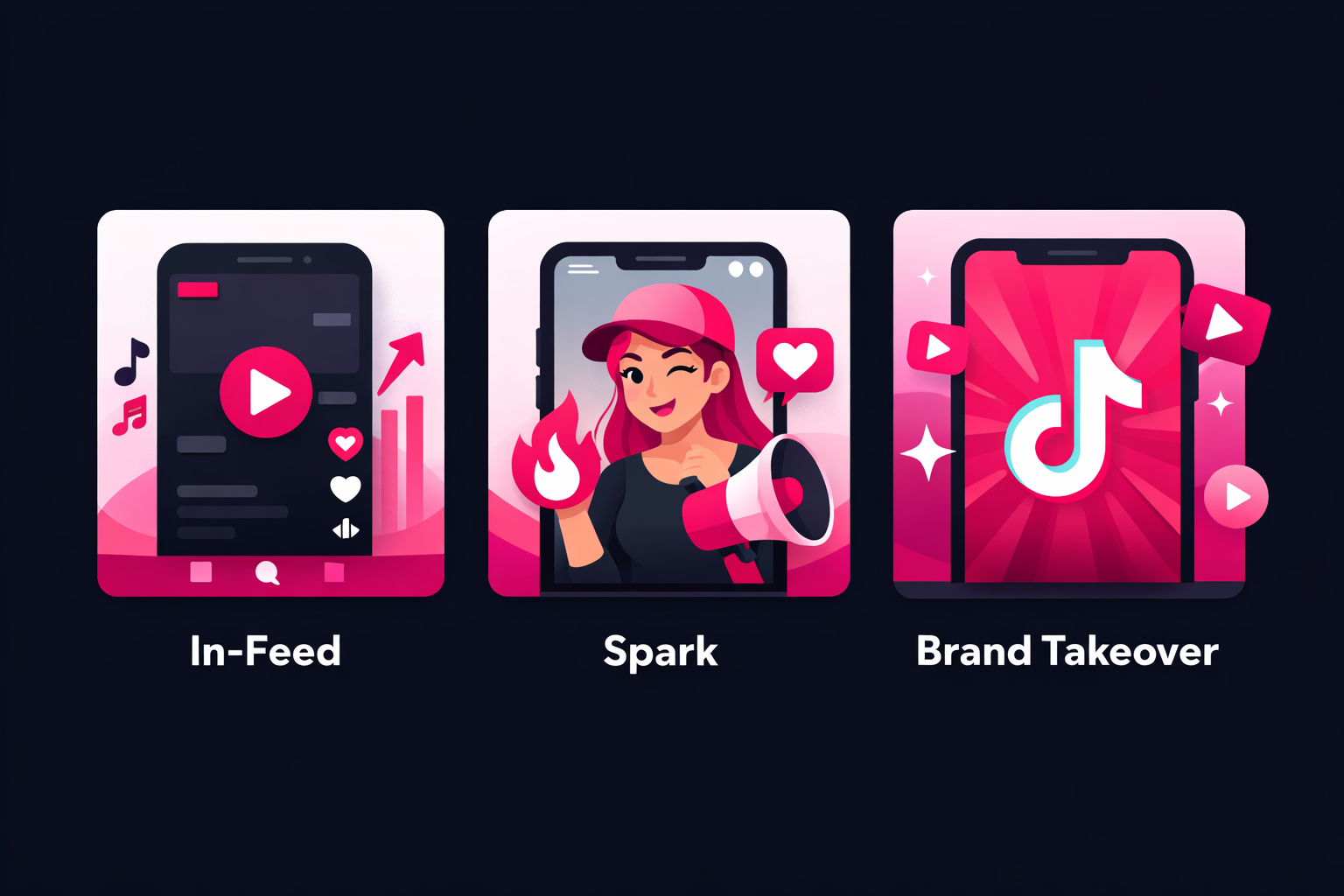
In-Feed Ads
- •Created specifically for advertising
- •Start with zero engagement
- •Metrics don't transfer to your profile
- •Feel more like traditional advertising
Spark Ads
- ✓Uses existing organic content
- ✓Keeps all existing engagement
- ✓All new engagement adds to original post
- ✓Feels authentic and native
Brand Takeover Ads
- •Full-screen format
- •Extremely expensive ($50,000+ per day)
- •Limited to major brands
- •Not suitable for creators
Why Creators Choose Spark Ads
The benefits of Spark Ads go beyond just keeping your engagement metrics. Here's why savvy creators are making Spark Ads their go-to growth strategy:
1. Authentic Social Proof
When users see a Spark Ad with 50K likes and hundreds of comments, they know it's real engagement from real people. This social proof dramatically increases trust and click-through rates compared to ads starting from zero.
2. Profile Growth
Every interaction with your Spark Ad is an interaction with your actual profile. Users who engage can easily visit your profile and follow you directly, turning ad spend into real follower growth.
3. Lower Cost Per Result
Because Spark Ads feel more authentic and have existing social proof, they typically achieve better engagement rates. This translates to lower costs per view, engagement, and follower compared to traditional ads.
4. Creative Efficiency
Instead of constantly creating new ad content, you can focus on making great organic content and then amplify what works. This saves time and ensures you're promoting content that resonates with your audience.
Pro Tip
Test your content organically first. Videos with 15%+ engagement rates and strong watch time make the best Spark Ads candidates. Once you identify winners, amplify them with Viryze's targeted promotion services to maximize your growth.
Setting Up Your TikTok Ads Manager
Before you can create Spark Ads, you'll need a TikTok Ads Manager account. Don't worry—it's free to create and you only pay when you run campaigns.
Step 1: Create Your Ads Manager Account
- Visit TikTok Ads Manager—Go to ads.tiktok.com and click "Create an Ad"
- Choose your registration method—Use email or phone number (we recommend email for easier management)
- Select your business information—Choose your country, currency, and time zone carefully (these can't be changed later)
- Verify your account—Complete email verification and add basic business details
Step 2: Complete Business Verification
TikTok requires business verification for most advertisers. This typically takes 1-2 business days:
- Upload a business license or registration document
- Provide your business address
- Add payment method (credit card or PayPal)
Creator Tip
If you're a solo creator without a registered business, you can often use a sole proprietorship or your personal tax documents. Check TikTok's requirements for your specific country.
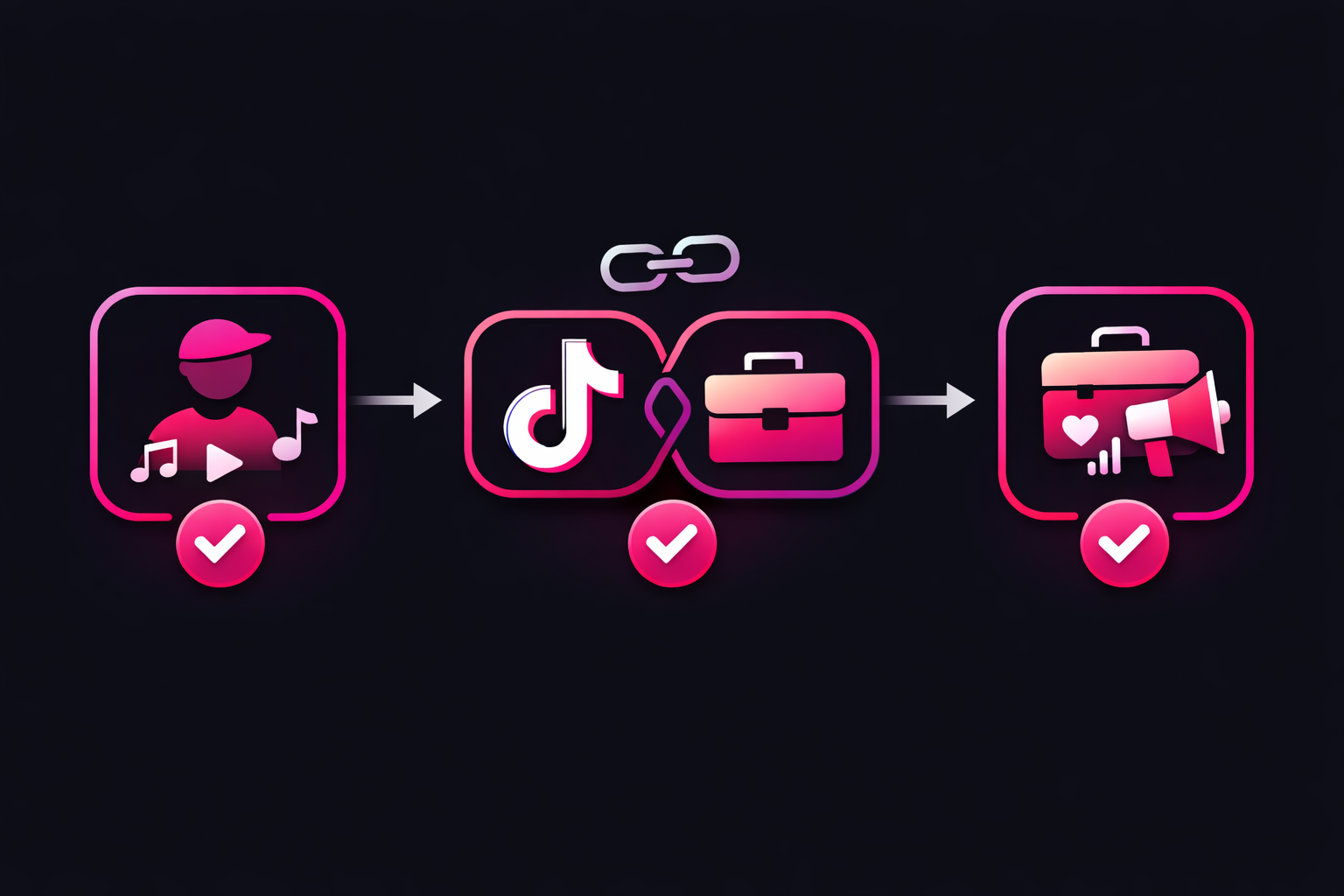
Step 3: Link Your TikTok Account
This crucial step connects your creator account to your Ads Manager:
- Go to Assets → TikTok Accounts
- Click "Link TikTok Account"
- Log in with your creator account
- Approve the connection
Enabling Spark Ads Authorization
The magic of Spark Ads starts with authorization. This is how you give permission for specific videos to be used as ads while maintaining full control.
Method 1: Authorize Your Own Videos
- Open the TikTok app—Go to your profile
- Select a high-performing video—Choose one with good engagement metrics
- Tap the three dots (...)—Opens the sharing menu
- Select "Ad Settings"—May be under "More Options"
- Toggle on "Ad Authorization"—This enables Spark Ads for this video
- Generate the authorization code—You'll use this in Ads Manager
Important Note
Authorization codes expire after 30 days. You can revoke authorization at any time, which immediately stops the ad from running. Your original video remains untouched regardless of authorization status.
Method 2: Authorize Through Creator Tools
For creators managing multiple videos, TikTok's Creator Tools provide bulk authorization:
- Access Creator Tools—Available on desktop at tiktok.com
- Navigate to "Content"—See all your videos
- Select multiple videos—Check the ones you want to authorize
- Click "Authorize for Ads"—Enable all at once
- Set authorization period—Choose 7, 30, 60, or 365 days
Creating Your First Spark Ads Campaign
With authorization complete, you're ready to create your first Spark Ads campaign. We'll walk through each step to ensure success from day one.
Campaign Level: Choose Your Objective
TikTok offers several campaign objectives, but for creators focused on growth, these are the most effective:
Community Interaction
Best for: Growing followers and engagement
Optimizes for profile visits, follows, and video engagement. Perfect for creators prioritizing audience growth.
Video Views
Best for: Maximizing reach and views
Focuses on getting your video seen by as many people as possible. Good for building awareness.
Traffic
Best for: Driving link clicks
Use only if you have a specific landing page or product to promote. Not ideal for pure follower growth.
Ad Group Level: Set Your Targeting
This is where Spark Ads truly shine. You can leverage TikTok's powerful targeting while your content maintains its authentic feel:
Demographics
- Age—Start broad (18-34) and refine based on results
- Gender—Leave as "All" unless your content is specifically targeted
- Location—Start with your primary country/language markets
Interest Targeting
Select 2-5 relevant interests that match your content. For example, a fitness creator might choose:
- Fitness & Wellness
- Gym & Working Out
- Healthy Lifestyle
- Weight Loss
Behavioral Targeting
Target users based on their TikTok activity:
- Video interactions (liked, shared, commented)
- Creator interactions (followed similar creators)
- Hashtag engagement (#fitness, #workout, etc.)
Pro Tip
Don't over-target initially. Start with broader audiences and let TikTok's algorithm find your ideal viewers. You can always narrow targeting after gathering data. For hands-off optimization, Viryze automatically tests multiple audiences and shifts budget to top performers.
Ad Level: Add Your Spark Ad
- Select "Spark Ad" format—Not "Create New"
- Enter your authorization code—From the video you authorized
- Preview the ad—It should show your original video with all engagement
- Add a call-to-action (optional)—"Learn More," "Shop Now," etc.
- Set display name—Usually your @username
Advanced Targeting Strategies
Once you've mastered the basics, these advanced strategies can significantly improve your Spark Ads performance:
1. Custom Audiences from Video Views
Create audiences based on users who viewed your organic content:
- High-intent viewers—Watched 75%+ of your videos
- Engaged viewers—Liked, commented, or shared
- Profile visitors—Clicked through to your profile
2. Lookalike Audiences
Build audiences similar to your best followers:
- 1% Lookalike—Most similar to your seed audience
- 2-5% Lookalike—Broader but still targeted
- Mix sources—Combine followers, engagers, and customers
3. Interest Stacking Strategy
Layer multiple related interests for precision targeting:
Example: Fitness Creator
Instead of just "Fitness," stack:
- Home Workouts
- Nutrition & Diet
- Activewear
- Wellness Apps
- Specific fitness influencers
4. Competitor Audience Targeting
Target users who follow similar creators in your niche:
- Find 10-20 similar creators—Same niche, similar follower count
- Create custom audience—Users who follow 3+ of these accounts
- Exclude your current followers—Focus on new growth
Monitoring and Optimization Tips
The key to Spark Ads success is continuous optimization. Here's what to monitor and how to improve performance over time:
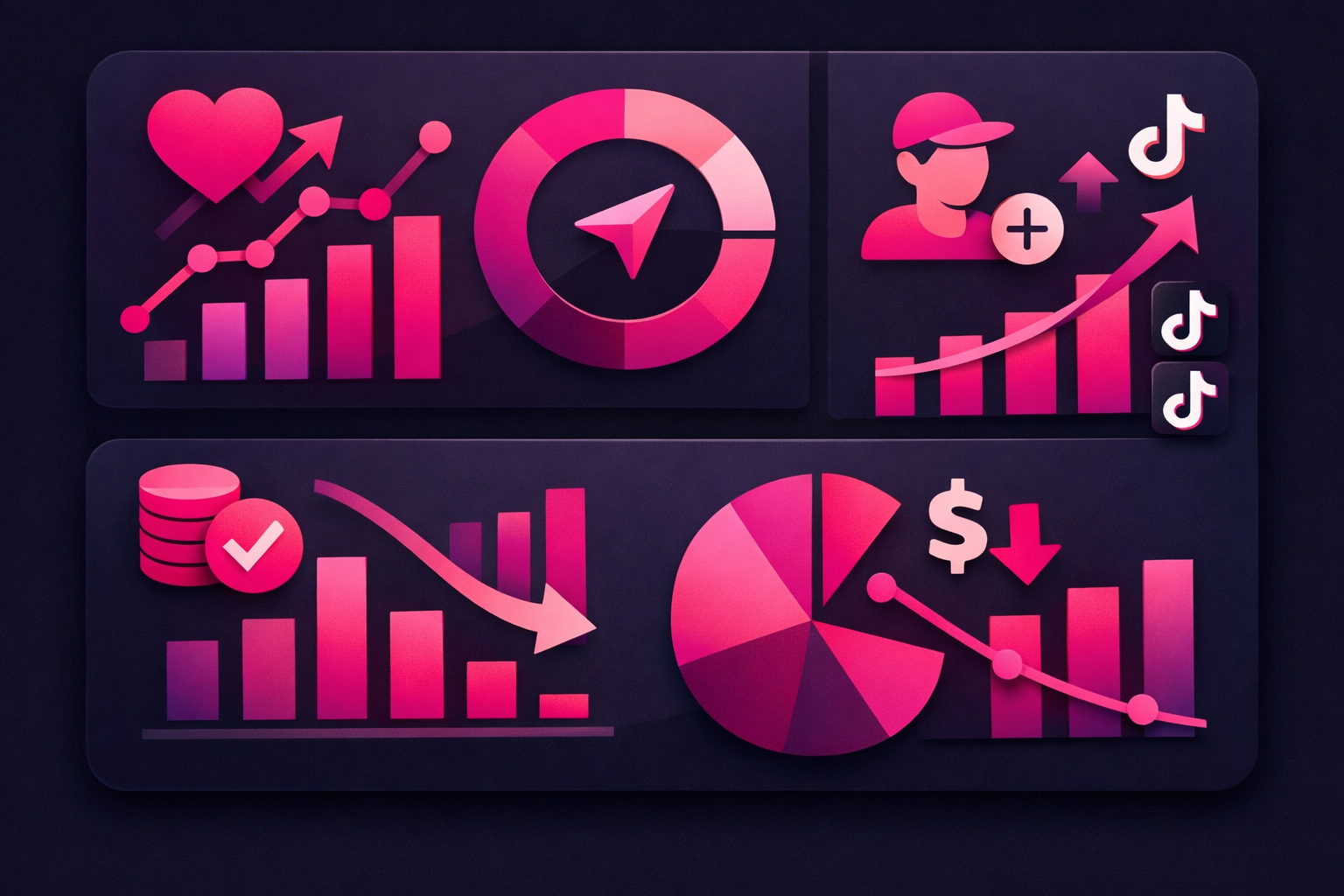
Key Metrics to Track
Cost Per Follower (CPF)
Target: $0.50-$2.00
Your primary success metric. Track this daily and pause ads above $3 CPF.
Engagement Rate
Target: 8-15%
(Likes + Comments + Shares) ÷ Impressions. Higher rates mean better audience fit.
6-Second View Rate
Target: 50%+
Shows if your content hooks viewers. Below 40% suggests wrong audience or weak opening.
Profile Visit Rate
Target: 2-5%
Percentage of viewers who click through to your profile. Higher = more interested audience.
Daily Optimization Checklist
- Check CPF across all ad groups—Pause any above target
- Review engagement rates—Identify top-performing audiences
- Analyze demographic breakdown—See who's actually converting
- Shift budget to winners—Move spend from poor performers
- Test new audiences—Launch 1-2 new targeting options
Common Issues and Solutions
"My ads aren't spending budget"
Solution: Broaden targeting, increase bid, or check if your video has limited distribution due to content guidelines.
"High views but low followers"
Solution: Your content might be entertaining but not compelling enough to follow. Add a clear CTA in your video or caption.
"Costs increasing over time"
Solution: Ad fatigue setting in. Authorize new videos, refresh creative, or expand to new audiences.
"Getting followers but they unfollow quickly"
Solution: Audience mismatch. Review your targeting and ensure promoted content aligns with your regular content.
Scaling Success
Once you find winning combinations of content and audiences, it's time to scale. Increase budgets gradually (20-30% every 2-3 days) to maintain performance. When you're ready for hands-off growth, Viryze's automated optimization continuously tests and scales your best-performing audiences while you focus on creating.
Best Practices for Long-Term Success
After running hundreds of Spark Ads campaigns, these practices consistently deliver the best results:
Content Selection
- Prioritize watch time—Videos with 50%+ completion rates
- Look for shareability—Content people want to send to friends
- Avoid time-sensitive content—Evergreen performs better long-term
- Test controversy carefully—High engagement but can attract wrong audience
Budget Management
- Start small—$20-50/day per ad group
- Use Campaign Budget Optimization—Let TikTok distribute to best performers
- Set lifetime budgets—Better control than daily budgets
- Reserve 20% for testing—Always try new audiences and content
Creative Refresh Strategy
- Authorize new videos weekly—Keep fresh content in rotation
- Pause before fatigue—When CPF increases 50%, time to refresh
- Retest old winners—Sometimes timing makes all the difference
- Create series content—Part 2, 3, etc. of successful videos
Taking Your Spark Ads to the Next Level
Spark Ads represent a fundamental shift in how creators can grow on TikTok. By amplifying what already works, you're not just buying views—you're building a genuine, engaged community around your content.
The beauty of Spark Ads lies in their authenticity. Unlike traditional advertising that interrupts the user experience, Spark Ads enhance it by showing users content that's already proven to resonate. This creates a win-win: viewers discover great content, and creators grow their authentic following.
Ready to Amplify Your Growth?
While TikTok Ads Manager offers powerful tools, managing campaigns, testing audiences, and optimizing budgets can become overwhelming—especially when you'd rather focus on creating great content.
That's where Viryze comes in. We handle the complex parts of TikTok advertising—audience testing, bid optimization, and budget management—while you keep full control of your content. Think of us as your growth team, working 24/7 to turn your best videos into follower magnets.
Frequently Asked Questions
How much should I budget for Spark Ads?
Start with $100-300 for testing. This lets you try 3-5 different audiences and identify what works. Once you find winning combinations, scale up gradually. Most creators see positive ROI starting around $500-1,000 in total spend.
Will Spark Ads hurt my organic reach?
No, Spark Ads actually boost your organic performance. The additional engagement signals (likes, comments, shares) tell TikTok's algorithm your content is valuable, often leading to increased organic distribution even after ads stop running.
Can I use Spark Ads for older videos?
Yes! Some of the best Spark Ads campaigns use videos that are weeks or even months old. If a video performed well organically in the past, it's likely to perform well as a Spark Ad to new audiences.
What's the difference between Spark Ads and Promote?
Promote is TikTok's simplified ad tool with limited targeting options and higher costs. Spark Ads through TikTok Ads Manager offer advanced targeting, better pricing, and more control. For serious growth, professional TikTok promotion services deliver better results than Promote.
How long should I run a Spark Ads campaign?
Give each campaign at least 3-5 days to optimize before making major changes. TikTok's algorithm needs time to learn and find your ideal audience. Most successful campaigns run for 2-4 weeks before refreshing creative.
Remember, Spark Ads are just one tool in your TikTok growth toolkit. Combine them with consistent organic posting, engagement with your community, and strategic use of trends to build a thriving presence on the platform.
The creators who see the best results treat Spark Ads as an amplification system for their best work, not a replacement for quality content. Keep creating, keep testing, and keep growing. Your audience is out there waiting to discover you.
Continue Reading
TikTok Ads vs Promote: Which Is Right for You?
Compare TikTok's advertising options and discover which one fits your goals and budget. Spoiler: it's not always Promote.
Read More →TikTok Ad Costs: Real Budget Breakdown & Calculator
Get real numbers on TikTok advertising costs with our interactive calculator and budget planning guide.
Read More →Why TikTok Promote Isn't Enough for Serious Growth
Discover the hidden limitations of TikTok's Promote button and why creators are switching to professional promotion.
Read More →
Head of Creator Success at Viryze
TikTok growth strategist helping creators reach their first 100K followers through data-driven promotion strategies.