Ask an accountant why they haven't started posting, and it's almost never "I have nothing to say." It's the practical wall: where do I film without a client folder in the shot? What if a return is open on the monitor behind me? Do I need equipment? And when, exactly, between a filing deadline and a month-end close, is this supposed to happen?
Those are the right questions, and they have short answers. This guide is the filming manual for accounting content: the under-$75 setup, the office spaces where confidentiality is built into the room, the five client-free moments in a normal work week that become a week of posts, the screen-recording rules that keep software walkthroughs safe, and the season-ahead calendar that keeps you visible through the one stretch of the year when you have no time to film.
If you haven't read our complete TikTok guide for accountants yet, start there for the strategy. If you're short on what to film, our 52 accountant content ideas supply the list. This article is about how to get those ideas onto your phone without spending money, time, or a single piece of client data.
The one-sentence version:
Phone at eye level, light on your face, microphone on your collar, nothing with a client's name in the frame or on the screen - then answer one real money question in one take and stop when the answer is done. Everything below is detail on those six instructions.
What's Inside
- 1. The Desk-Corner Studio (Under $75)
- 2. Where to Film: Spaces Where Client Data Can't Appear
- 3. The Five Client-Free Capture Points in a Work Week
- 4. Filming the Talking-Head Answer
- 5. Screen Recordings: The Demo-File Rule
- 6. Lighting and Audio Fixes for Accounting Offices
- 7. The Season-Ahead Filming Calendar
- 8. The Confidentiality Frame Check
- 9. Editing for Trust (Not Polish)
- 10. What to Do When a Video Works
- Frequently Asked Questions
1. The Desk-Corner Studio (Under $75)
The equipment question has a shorter answer than most accountants expect. Everything an accounting account needs fits in a desk drawer, and most of it you already own.
- Your phone. Any phone from the last four or five years shoots better video than the cameras that built the first wave of tax explainers on TikTok. Use the rear camera when you can - it's sharper - and wipe the lens on your sleeve before every session. A smudged lens is the most common reason accounting videos look "off" and nobody can say why.
- A small tripod ($15-25). The job of the tripod is to put the lens at eye level. A phone propped against a stapler points up at your chin; a phone held at arm's length shakes and keeps one hand busy. A tabletop tripod on the desk, or a floor tripod if you film standing, solves both forever.
- A clip-on lavalier microphone ($15-25). This is the one non-negotiable. Offices are acoustically unkind - drywall, glass, HVAC hum, a keyboard clattering two desks over - and a phone microphone four feet away captures all of it. A $20 lav clipped to your collar makes you sound like you're in the room with the viewer. Viewers forgive average picture; they leave over bad sound.
- A ring light (optional, $25-40). Only necessary if your office has no window. Windows are better light than any ring light, and free.
That's it. No DSLR, no softboxes, no editing software beyond what's on the phone. The accountants who build large audiences almost universally film on a phone on a tripod, and the ones who upgrade to a camera rig usually regret it - the extra friction shows up as fewer posts, and fewer posts is the only thing that actually kills an accounting account.
2. Where to Film: Spaces Where Client Data Can't Appear
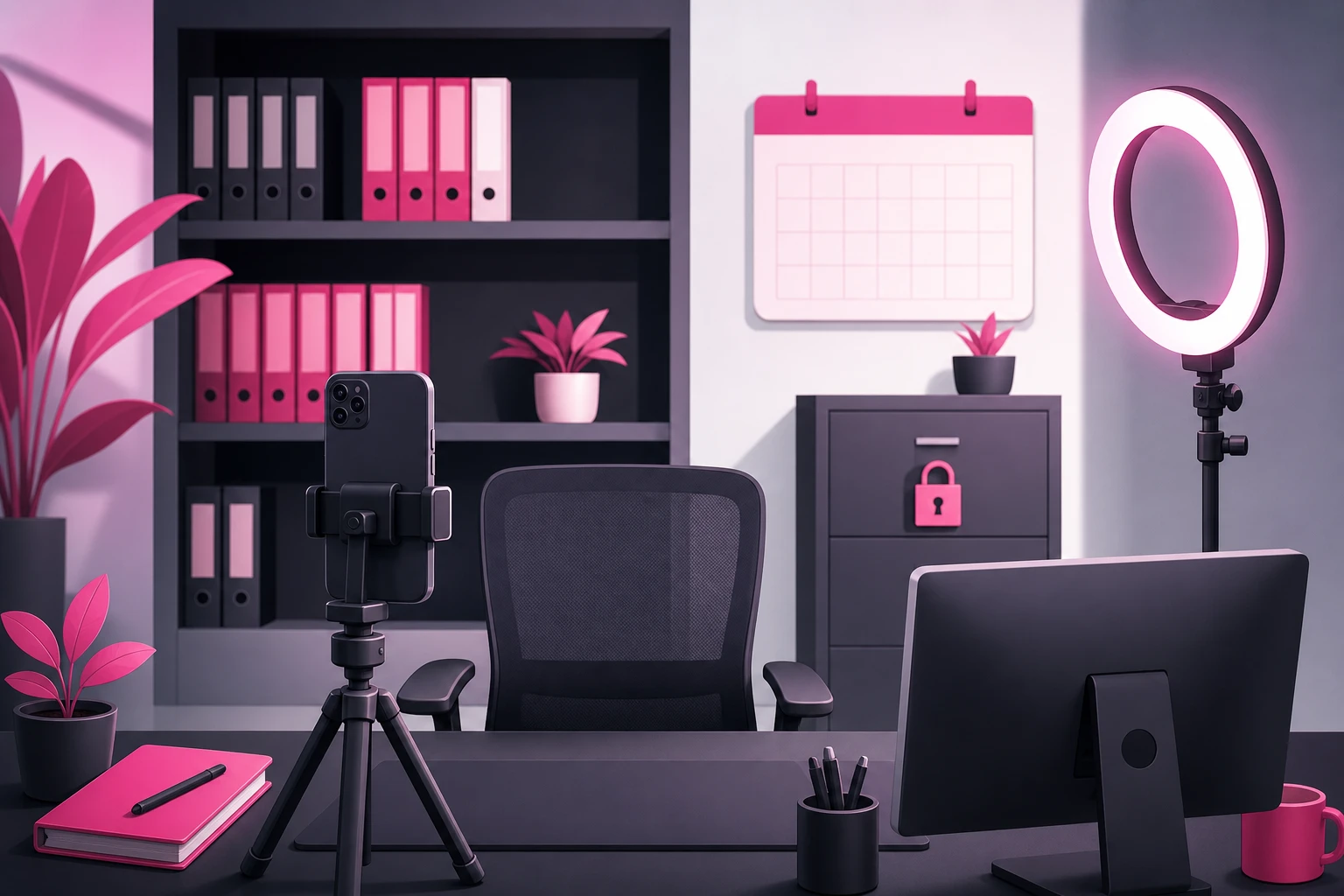
Here is the principle that makes accounting filming safe: don't try to spot client information shot by shot. Choose spaces where it physically cannot appear. When confidentiality is structural, you stop worrying about it, and the worrying is what keeps most accountants from ever pressing record.
The stakes here are worth naming once, plainly. For tax return preparers, Internal Revenue Code Section 7216 attaches criminal exposure to unauthorized disclosure of taxpayer information - stricter than the confidentiality regimes most professions work under. A client's name on a folder spine in your background is not a good look for any professional; in this profession it is a federal problem. The good news: general tax education needs zero client information, so the fix is entirely about the room.
Three spaces work in almost every office:
- Your private office, facing the bookshelf. The setup rule: the camera faces the bookshelf, and your desk - with everything on it - is behind the camera, so nothing on it can be in frame. If you must shoot across the desk, clear it completely first. Not tidy, clear.
- An empty conference room. Neutral walls, a big table to sit at the end of, and usually the best window in the office. Wipe the whiteboard and turn any wall screen to a blank input before you start. Book it on the calendar like a meeting - because it is one.
- A dedicated filming corner. A chair, a plain wall or a single shelf, a tripod left standing. The advantage is zero setup time: walk over, sit, press record. Accountants who keep a corner permanently ready post several times as often as the ones who set up from scratch each time - and in this profession, the filming corner is what survives busy season.
Whatever space you choose, do a one-time sweep of everything in the lens's field of view and everything within earshot:
The frame sweep - in view:
- Client folders, paper returns, engagement letters, anything with a label
- Wall calendars, deadline boards, sticky notes with names or amounts
- Computer monitors (turn them away or off - a reflection can read)
- Whiteboards, even "erased" ones with ghost writing
- Mail, envelopes, IRS notices, checks waiting for deposit
- Framed thank-you notes or plaques with a client's business name
The audio sweep - in earshot:
- Reception or a bookkeeper on a call saying a client's name
- A speakerphone in the next office
- A hallway conversation about an engagement
Close the door, tell the team you're recording for ten minutes, and the audio problem disappears. The visual problem disappears once, when you pick the right wall. After that, the room is safe every time you walk into it.
3. The Five Client-Free Capture Points in a Work Week
The accountants who sustain this for years don't "make content." They capture what already happens in a normal work week - at five points, none of which involve a client's facts or an extra hour. Our pillar guide introduces this as the question-log content engine; here is the filming side of each point.
- 1. The first-call question log (all week, no filming). Every money question anyone asks you - at intake, in a DM, at a barbecue - goes into a note on your phone verbatim, in their words. This isn't a capture point for footage; it's the capture point for every script you'll ever need. Thirty questions is a quarter of content.
- 2. The recurring-mistake note (ten seconds, whenever it happens). The same error you corrected on the fortieth return or the fourteenth ledger this month goes in the log too. When you film it later, the explanation is already polished - you've given it forty times.
- 3. The between-meetings answer (one take, in the office). A fifteen-minute gap plus one question from the log. Sit in your filming space, press record, answer it the way you would across the desk, stop. This is the workhorse format - the one most of your posts will be.
- 4. The rule-change reaction (when the news is live). A new form, a deadline shift, a tax change making headlines that a normal person would find confusing or alarming. Film the plain-English mechanics behind the headline the same day, while interest is peaking. Same setup as #3, just faster.
- 5. The end-of-week myth-bust or explainer (one planned video). The single video you give slightly more care: the confidently wrong thing you overheard this week, or the most useful thing a small-business owner in your niche could learn, with a tighter outline and the best light in the office. This is the video you'll pin and, later, amplify.
Total filming time across all five: well under an hour a week, and most of it in gaps you already have. The log fills itself, and the recurring-mistake note takes less time than the correction did.
4. Filming the Talking-Head Answer
Most of what you post will be one format: you, facing the camera, answering one money question. It's the format that builds trust, because it's the closest thing on the internet to sitting across the desk from you. Here is exactly how to film it.
- Frame: Phone vertical, on the tripod, lens at eye level, about an arm and a half away. Your head and shoulders fill the middle of the frame with a little space above your head. Bookshelf or plain wall behind you.
- Open on the question. No "Hi, I'm a CPA at So-and-So." The first words out of your mouth are the question, in the asker's phrasing: "Wait, so why do I owe this year if nothing changed?" The viewer decides in two seconds whether this video is for them - make those two seconds the question they typed into a search bar.
- Answer it the way you would to one person. Plain English. The tax term after the plain-English answer, not before. If you'd say "it depends" across the desk, say it here - then say what it depends on.
- Keep the thresholds general. Say "there's an annual limit" or "a percentage cap applies," not this year's number. The video stays accurate when the figure changes, and "the exact number depends on your year and situation" is also simply true - which is the point.
- Stop when the answer is done. No recap, no "follow for more," no pitch. Thirty to sixty seconds. Completion rate is the ranking signal that matters most, and the accountants who cut hard get watched all the way through.
One take, no script. If you stumble, pause, and say the sentence again - you'll cut the stumble in ten seconds. A slightly imperfect explanation reads as more credible than a polished one, because the viewer is evaluating you, not a production. The mechanism behind why this format gets distributed is in our TikTok algorithm guide: watch time and completion, both of which reward a tight answer to a question someone actually asked.
5. Screen Recordings: The Demo-File Rule
Accounting has a filming format most other professions don't: the screen walkthrough. A spreadsheet trick, a chart-of-accounts cleanup, where a number actually comes from on a form. These perform - saves and shares pile up on anything immediately usable - and they are also where this niche's worst real-world slips happen. Not spoken disclosures. Screen shares.
So this section is one rule and its supporting habits. The Demo-File Rule: nothing real is ever on screen while you're recording. Not zoomed in, not cropped-later, not "anonymized." A visible identification number, an address, or a distinctive line item can make a return identifiable, and Section 7216 does not accept "I blurred the name" as a defense. The safe version of every screen video starts from data that never belonged to anyone:
- Use the sample company. Most accounting software ships with a fully-populated demo file - a fictional landscaping business, a practice ledger. It exists for exactly this. Every walkthrough you'll ever film can happen inside it.
- Or build a demo spreadsheet once. Ten minutes with invented round numbers and made-up vendor names gives you a reusable prop. Obvious fake numbers are a feature, not a flaw - viewers should never wonder whose books they're looking at.
- Record in do-not-disturb mode. The classic slip is not the file - it's the email preview or client text that pops over it mid-recording. Notifications off, every other window closed, every other tab closed.
- Crop to the working area. Browser bookmarks, taskbar file names, and recent-documents lists all leak. Record the region, not the desktop - or crop in the edit.
- Watch it back at full zoom before posting. Screen videos get the same frame check as everything else (section 8), with extra attention to anything readable.
Done this way, screen content is the safest format you have - the demo file contains nothing to leak - and one of the most bankable, because a spreadsheet walkthrough filmed in July is exactly as useful in February.
6. Lighting and Audio Fixes for Accounting Offices
Accounting offices have two specific problems: fluorescent panels and quiet-office acoustics. Both are fixed in under a minute once you know the rule.
Lighting
The rule: light on your face, not behind you. If your desk faces away from the window, turn the setup ninety degrees so the window is beside or in front of you - a bright window behind you turns you into a silhouette, and overhead fluorescents alone cast green and put shadows under your eyes.
- Window in front or to the side: soft, flattering, free. Film in daylight when you can.
- Windowless office: ring light directly behind the phone, at face height, overhead fluorescents off.
- Mixed light (window plus overheads) makes skin look uneven. Pick one.
Audio
A quiet office is not a silent one. The building's HVAC adds a hum your ears stopped noticing years ago, the printer wakes up at the worst moment, and a keyboard two desks over carries further than you think. The phone microphone hears all of it.
- Lavalier on the collar, six inches below your chin. This alone solves ninety percent of office audio problems.
- Soft surfaces help: a rug, a closed curtain, a row of binders behind you. Bare-walled conference rooms echo the most - the lav matters most there.
- Three-second test clip before every batch. Record, play back, listen for hum, the elevator, the ten-key two offices down. Fix it now, not after five videos.
7. The Season-Ahead Filming Calendar
Every profession batches. Accounting is the one profession where batching has a season - because your filming capacity and your audience's attention peak at opposite ends of the year. The audience cares most about taxes from January to April. That's precisely when you have zero minutes to film. The accounts that stay visible through the crush aren't filming during it; they're drawing down an inventory they built when the office was quiet.
- May-August (build): Capacity is highest, so this is the filming season. Two batch blocks a month, working through the question log and the evergreen explainer list. Goal: twenty to thirty banked videos by Labor Day - the entire busy-season buffer.
- September-October (extension window): Moderate capacity, timely topics. Film extension explainers and quarterly-estimate content the week it's relevant; keep one batch block a month for the bank.
- November-December (planning season): Film the year-end planning explainers - the highest-value advisory conversations of the year happen now, and the videos that reach business owners in November are the ones that book December planning calls.
- January-April (harvest): Post from the bank, five or six times a week. New filming drops to what fits in the gaps: a rule-change reaction, a sixty-second "what I'm seeing this week" note. The log keeps filling - busy season generates more questions than the rest of the year combined - and those questions become next summer's batch list.
The weekly unit inside that calendar is the same one-hour batch block that works in every profession: five minutes of setup and a test clip, thirty minutes answering five questions from the log back to back, twenty minutes trimming, captioning, and scheduling, and a final frame check on all five. Change your sweater between takes if you want them to look like different days. Protect that hour on the calendar the way you protect a filing deadline.
One habit makes the whole calendar work: date-stamp nothing. Filmed in July, posted in February only works if the video doesn't say "this summer" or wear a holiday sweater. Evergreen explainers stay evergreen when the only timely thing about them is the day you post them.
8. The Confidentiality Frame Check
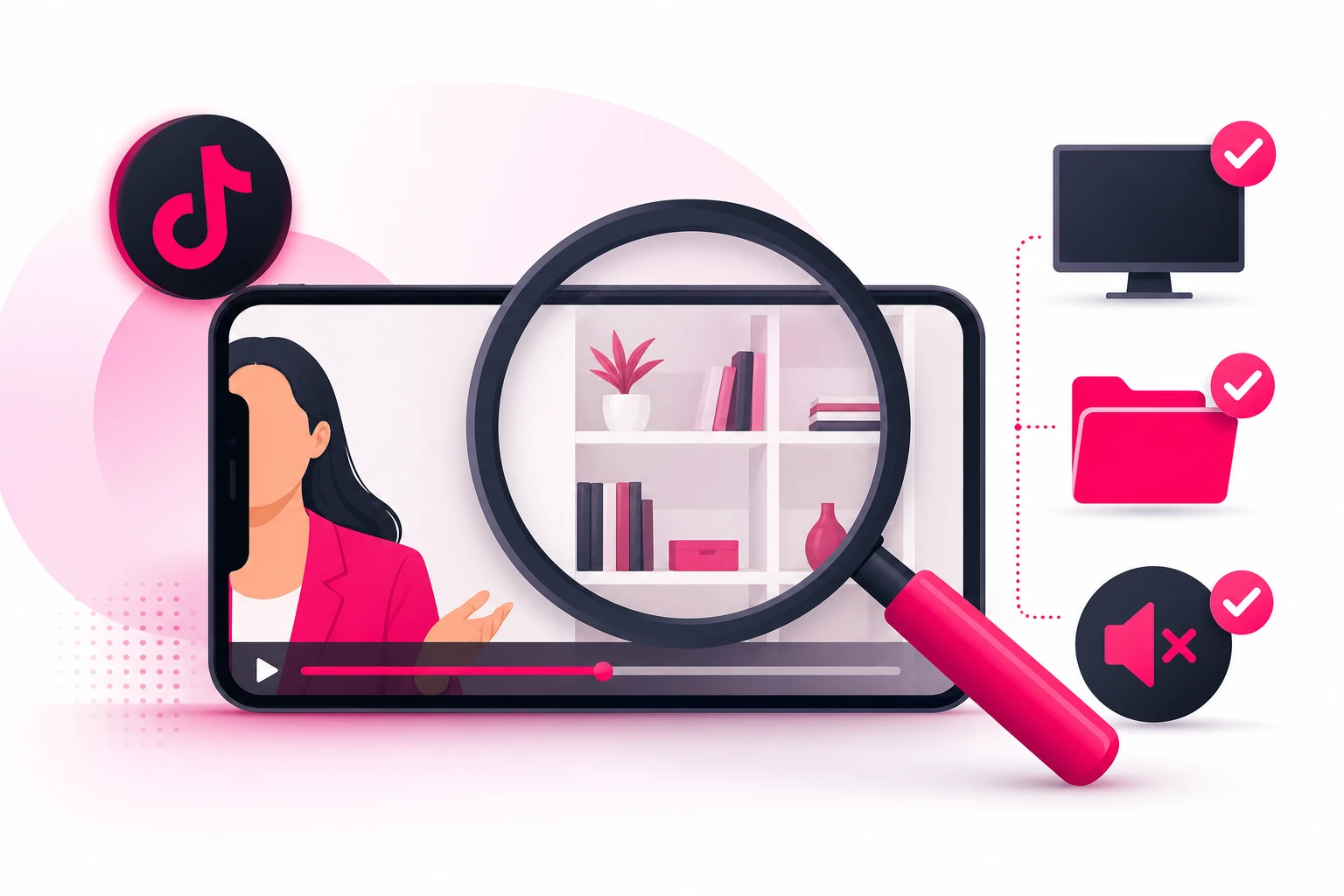
The structural approach in section 2 prevents almost every problem. The frame check catches the rest - the client folder someone set on the credenza Tuesday, the monitor reflection in the window, the assistant who knocked and said a name. Run it on every video, before it posts, every time. Two minutes per video, and it is the cheapest professional-liability insurance you will ever buy.
Before you post:
- Pause on every frame change. If the camera moved or you moved, stop and look at what's newly in view.
- Zoom on every surface. Papers, screens, reflections, the spine of any binder. If you can't read it at full zoom, nobody else can either. If you can, reshoot.
- For screen videos, read everything. Every cell, every tab, every corner of the recording, at full zoom. Demo data only means demo data everywhere - including the file name in the title bar.
- Listen with headphones. Background voices, a name on a speakerphone, a hallway conversation. Headphones catch what speakers hide.
- Listen to yourself. Did you describe a situation specific enough to identify a client? Did you promise a refund amount or guarantee an outcome? Any yes means re-record.
- Check the disclaimer and the caption. General information, not tax advice for a specific situation; talk to a professional about your own facts. In the caption at minimum, out loud when the topic warrants it - and the same rules apply to any on-screen text.
One more thing the frame check should confirm: your professional rules. Circular 230 if you practice before the IRS, the AICPA Code of Professional Conduct on confidentiality and on false or misleading advertising, your state board's rules on who may use the CPA title, and disclosure on any paid partnership. Read them once, build the requirements into your caption template, and the check takes care of itself.
9. Editing for Trust (Not Polish)
The editing that helps accounting content is almost entirely subtractive. You're not adding production value - you're removing anything between the viewer and a clear answer.
- Cut the first second. The reach for the record button, the breath, the "okay so." The video starts on the first word of the question.
- Captions on every video. A large share of viewers watch on mute - at work, in waiting rooms, on the train. Auto-captions are fine; fix the tax terms they mangle, because "S corp" comes out wrong more often than not.
- One on-screen line for the question. Text overlay of the question for the first few seconds. It's the mute-viewer's hook and the searchable headline.
- Disclaimer in the caption, every time. Build it into a template so it never gets forgotten: "General information, not tax or accounting advice for your situation. Talk to a professional about your own facts."
- Cut the ending. End on the answer. No logo animation, no "book a call today." Where to take the viewer next belongs in your bio and your pinned videos, not in the last three seconds of a video people would otherwise finish.
- Skip the effects. Trending sounds, zoom cuts, and text animations read as "content creator." Your viewer wants "accountant who explains money clearly." Be that.
Everything about this process is the same education-first engine we documented for the other confidentiality-bound professions - our legal filming guide is the parallel version, with privilege where you have Section 7216. If you serve a local market - and most firms do - the filming choices that build local recognition are in our local business TikTok guide.
10. What to Do When a Video Works
Film this way for a few weeks and something predictable happens: one video - usually a between-meetings answer you almost didn't post - dramatically outperforms the rest. High completion, saves piling up, profile visits jumping, a comment section full of new questions for the log.
That video has done something expensive: it proved, with real viewers, that a specific money question matters to a specific audience. For an accounting firm, that proof is worth more than it is in almost any other profession, because a converted follower isn't a transaction - it's a client who files every year. And the timing lever is sharper here too: putting that proven explainer in front of your metro or your niche in November, before every firm in the country starts bidding for the same attention in Q1, costs a fraction of what the identical reach costs in February.
That selective, season-ahead approach is what our TikTok promotion service is built for: we amplify the videos that have already proven themselves organically, to the audience that could actually hire you, timed before the demand spike rather than during it. Our Spark Ads guide covers the format firms should default to, since it promotes your organic post with its comments and credibility intact. Just run the frame check one more time before anything gets promoted - and confirm the video clears TikTok's ad policies and your professional advertising rules.
Frequently Asked Questions
What equipment do accountants need to film TikTok videos?
A phone from the last few years, a small tripod that holds it at eye level ($15-25), and a clip-on lavalier microphone ($15-25) - under $75 total. The microphone is the one non-negotiable, because accounting content is talking content filmed in offices where HVAC hum and hallway conversation carry, and viewers abandon videos with bad audio faster than videos with average picture. A ring light only matters in a windowless interior office, and nobody needs an editing suite beyond what's already on the phone.
Can accountants film TikTok videos in their office without exposing client information?
Yes - filming in your own office is fine as long as no client information appears in the frame or on the audio track. That means no client folders, paper returns, engagement letters, monitors, wall calendars, mail, or checks in the background, and no client names or voices within microphone range. The reliable approach is structural: point the camera at a bookshelf with your desk behind the lens, or use an empty conference room, so client data physically cannot appear - rather than trying to spot problems shot by shot. The stakes are real: Section 7216 attaches criminal exposure to unauthorized disclosure of taxpayer information.
How do accountants record screen-share videos safely?
Never record over a real client file - even zoomed in, even "anonymized." A visible identification number, an address, or a distinctive line item can make a return identifiable, and Section 7216 does not accept anonymization as a defense. Instead, use the sample company file that ships with most accounting software, or build a demo spreadsheet with invented round numbers before you hit record. Turn on do-not-disturb so notifications can't pop over the recording, close every other tab and window, and crop the final recording to the working area so bookmarks and file names stay out of frame.
When should accountants film TikTok content around tax season?
Film in the quiet months and post year-round. May through August is the build window: capacity is highest, so that's when to batch-film the evergreen explainer library and bank a busy-season buffer of twenty to thirty videos. September-October extension season and November-December planning season supply timely topics with moderate capacity. January through April is harvest: the audience is largest but filming time is nearly zero, so the accounts that stay visible through the crush are the ones drawing on what they banked in the summer.
Do accounting TikTok videos need professional production quality?
No - and over-production actively hurts. Viewers are choosing a human being to trust with their money, and an accountant answering a real question naturally, with decent light and clean audio, consistently outperforms agency-produced promotional videos that read as ads and get scrolled. The three quality basics that matter: phone at eye level, light on your face, and a clip-on microphone. Beyond that, spend the effort on answering a better question.
Ready to turn your best explainer into retained clients?
Film the way this guide describes and one of your between-meetings answers will eventually break out. When it does, Viryze amplifies that proven video to the audience that could actually hire you - timed before the season, not during the Q1 bidding war. Your question log supplies the content; a phone on a tripod captures it; selective amplification turns the best of it into a recurring client roster.
See how selective amplification worksRelated Reading
- TikTok for Accountants: The Complete 2026 Guide - the full strategy this filming guide plugs into.
- Accountant TikTok Content Ideas: 50+ Video Concepts - what to film, now that you know how.
- The TikTok Algorithm Guide - why tight, single-question videos get distributed.
- How to Film Legal Content for TikTok - the parallel guide for the other confidentiality-bound profession.
- TikTok Spark Ads Guide - the amplification format for the video that takes off.

Head of Creator Success at Viryze
TikTok growth strategist helping creators reach their first 100K followers through data-driven promotion strategies.