Your workout might be incredible, but if your video quality looks amateur, viewers scroll right past. The good news? You don't need expensive equipment or professional editing skills to create TikTok workout videos that look polished and perform well.
We've analyzed what separates viral fitness content from videos that get ignored. Turns out, it's not about having the fanciest gym or the best lighting rig—it's about understanding the fundamentals of filming, editing, and posting that make TikTok's algorithm take notice.
In this guide, you'll learn exactly how to film workout videos that capture proper form, editing techniques that keep viewers engaged, and posting strategies that maximize your reach. Whether you're filming in a home gym or a commercial facility, these techniques work.
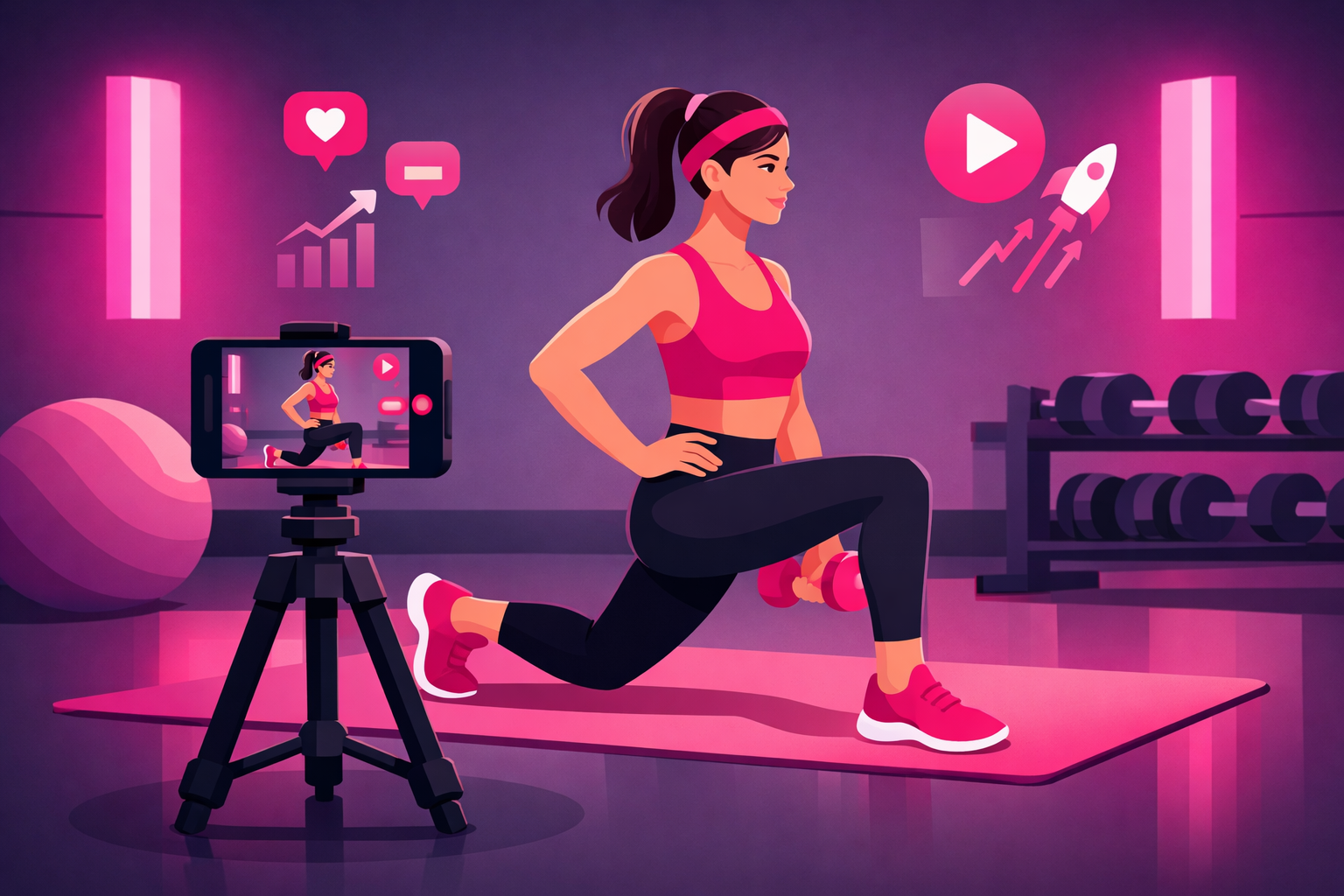
Table of Contents
Essential Equipment (Budget-Friendly Options)
Let's address the elephant in the room: you don't need to spend thousands on camera gear. The most viral fitness TikToks are filmed on smartphones. What matters is how you use what you have.
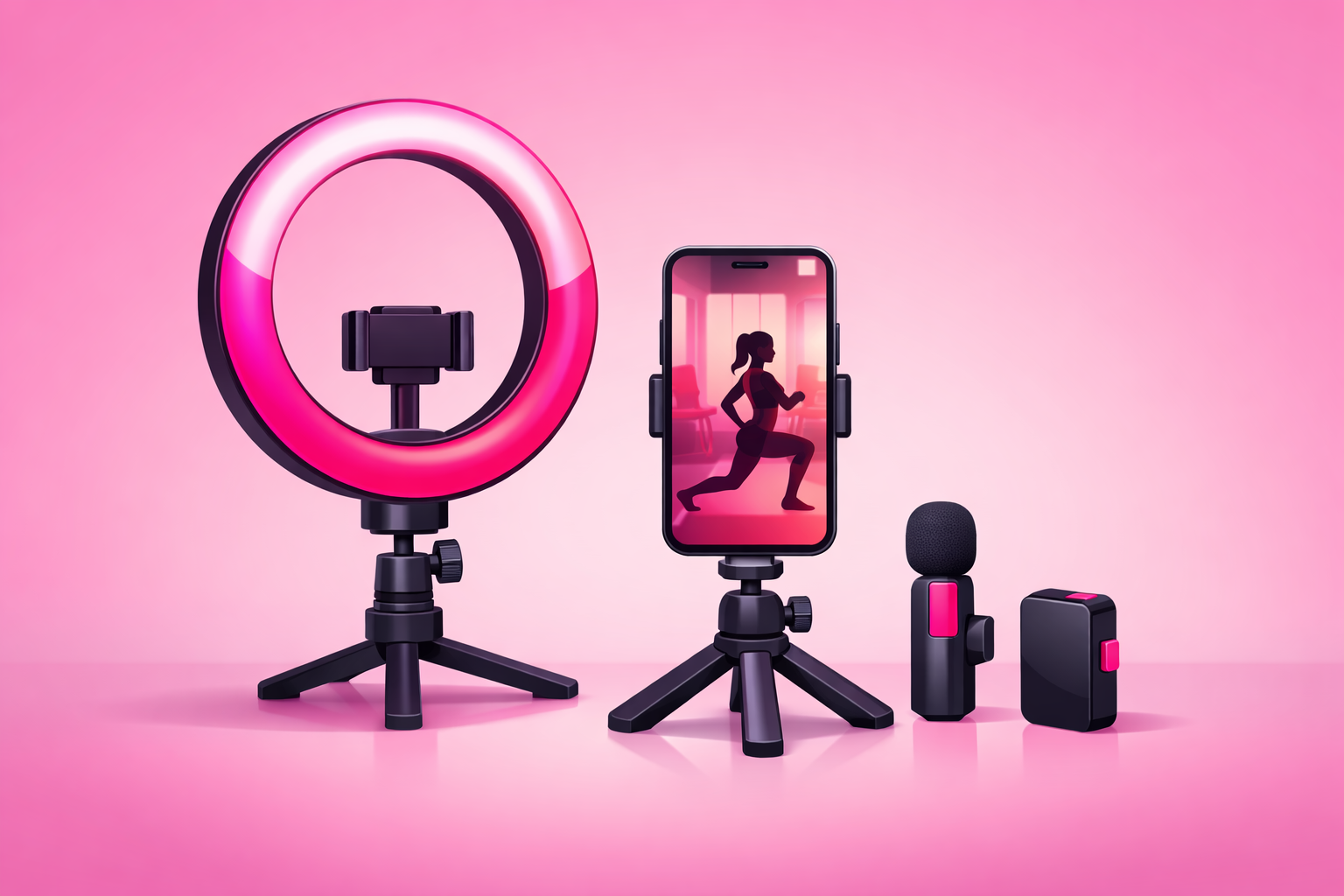
Must-Have Equipment
- Smartphone with 4K video—any iPhone 11+ or flagship Android from the last 3 years
- Tripod with phone mount—$15-30 on Amazon, look for adjustable height
- Phone storage space—keep at least 10GB free for video files
Nice-to-Have Upgrades
- Ring light ($30-50)—evens out facial lighting
- Wireless lavalier microphone ($25-50)—dramatically improves audio
- Phone gimbal ($80-150)—for smooth walking or moving shots
- Portable LED panel ($40-80)—fills shadows in darker gyms
Starter Kit Budget
Total investment to start: $15-30 for just a tripod. Quality content is about technique, not equipment. Many successful fitness creators built their following with nothing but a phone propped against a water bottle.
Filming Angles That Show Proper Form
The right camera angle isn't just about aesthetics—it's about clearly demonstrating exercise form so viewers can actually follow along. Different exercises require different perspectives.
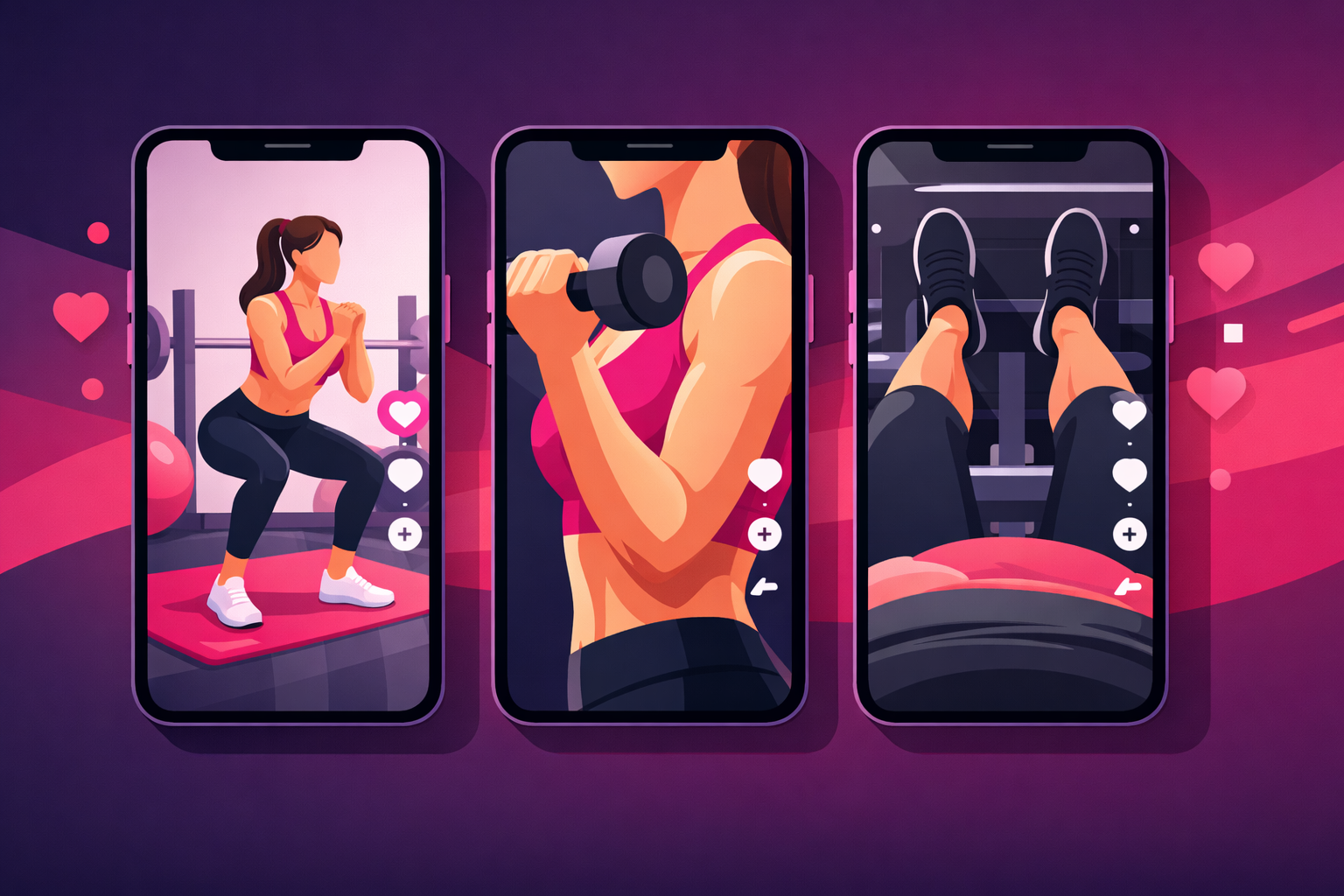
The Three Essential Angles
1. Full Body Side View
Best for: Squats, deadlifts, lunges, planks, push-ups
Position your camera at hip height, 6-8 feet away. This shows depth, spine position, and joint angles. It's the most important angle for compound movements.
2. Front/Mirror View
Best for: Curls, lateral raises, chest press, ab exercises
Camera at chest height, facing you. Shows symmetry, grip width, and allows eye contact with viewers. Great for exercises where form is easier to see from the front.
3. POV/First-Person Angle
Best for: Grip demonstrations, foot positioning, close-up form cues
Camera positioned where your eyes would be. Shows exactly what the viewer should see when performing the exercise. Excellent for technique details.
Multi-Angle Editing Strategy
The most engaging workout videos use multiple angles. Here's the approach top creators use:
- Open with full body shot—establishes the exercise immediately
- Cut to front view—shows your face and creates connection
- Close-up on form detail—highlights the key technique point
- Return to full body—reinforces complete movement
The Golden Rule
Your subject (you or your client) should take up 60-70% of the vertical frame. Too far away and viewers can't see details. Too close and they can't see full range of motion. Find the sweet spot.
Lighting Setup for Any Environment
Bad lighting makes you look washed out, creates unflattering shadows, and makes it impossible to see muscle definition. Good lighting makes everything look more professional—and it's easier to achieve than you think.
Natural Light (Free & Best)
- Face a window—soft, even light on your face
- Avoid direct sunlight—creates harsh shadows and squinting
- Best times: Morning (7-10am) or late afternoon (4-6pm)
- Cloudy days are perfect—nature's softbox
Gym Lighting Fixes
Commercial gyms often have harsh overhead lighting. Here's how to work with it:
- Position yourself between lights—not directly under one
- Find spots near windows—natural light fills shadows
- Use phone's exposure lock—prevents flickering and adjustments
- Add a small LED panel—fills harsh shadows on face
Home Gym Setup
If you film at home, you have more control. The ideal setup:
Two-Light Setup (Budget: $60-100)
- 1.Key light (ring light or LED panel)—positioned at 45 degrees to your face
- 2.Fill light (cheaper LED or lamp)—on the opposite side, softer
- 3.Both at eye level or slightly above—never below (creates horror movie lighting)
Audio Tips: Voice, Music & Sound
Here's something most fitness creators overlook: viewers are more likely to scroll away from bad audio than bad video. A slightly grainy video with clear audio beats a crystal-clear video with echoey, muffled sound.
Recording Voiceover
- Record in a small, soft room—closets work great, reduce echo
- Hold phone 6-8 inches from mouth—not too close, not too far
- Use a lavalier mic if possible—$25 investment makes huge difference
- Record voiceover separately—then add in editing for cleaner audio
Music Selection
TikTok's algorithm favors videos using trending sounds. For workout content:
- Use TikTok's sound library—copyright-safe and algorithm-friendly
- Match energy level—high BPM for HIIT, slower for stretching
- Trending sounds boost reach—check TikTok's Discover page
- Original audio works too—if you're teaching verbally
Pro Tip
Always add text overlays for key instructions. Over 60% of viewers watch without sound. Make your content accessible and you'll reach more people.
Editing Workflow for Fitness Videos
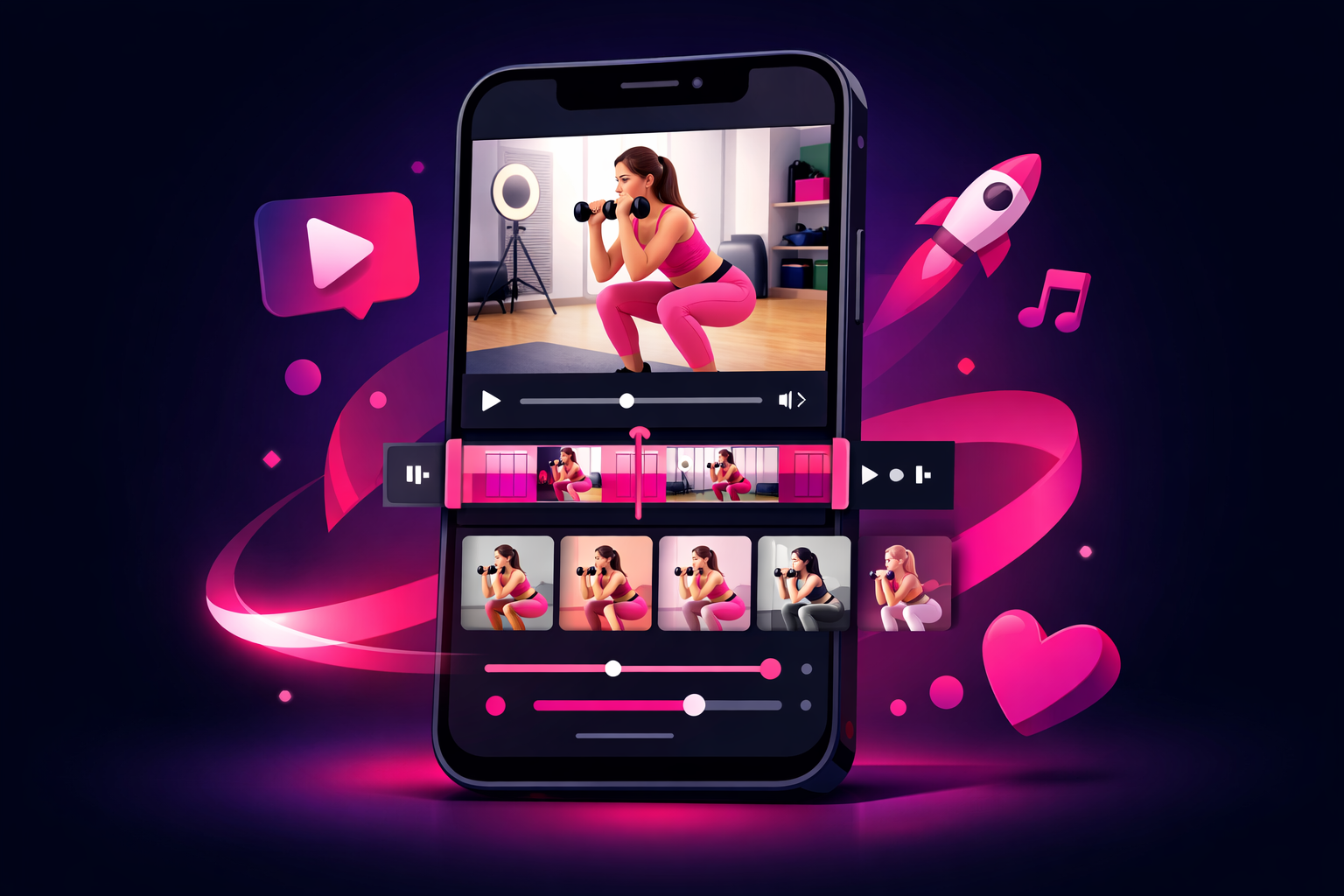
You don't need fancy software. Most successful fitness TikTokers edit directly in the TikTok app or use free mobile editors. Here's a proven workflow:
Recommended Editing Apps
Free Options
- •TikTok Built-In Editor—surprisingly powerful
- •CapCut—TikTok's official editor, more features
- •InShot—simple, intuitive interface
Paid Options (Pro Features)
- •Adobe Premiere Rush—$10/mo, syncs with desktop
- •LumaFusion—$30 one-time, iPad favorite
- •Final Cut Pro—Mac only, professional grade
The 5-Step Editing Process
- Trim the fat—remove pauses, setup time, and anything non-essential. Get straight to the action.
- Cut on movement—switch angles when you're in motion, not standing still. Creates energy.
- Add text overlays—exercise names, rep counts, key form cues. Keep text brief.
- Layer music/sound—add music first, then adjust voiceover levels. Music at 15-20% volume when talking.
- Speed adjustments—2x speed for setup/rest, 0.5x slow-mo for form highlights.
The One-Hour Rule
Don't spend more than one hour editing a TikTok. The platform rewards consistency over perfection. A good video posted today beats a perfect video posted next week. Learn more in our fitness content ideas guide.
Best Video Formats & Lengths
Different workout content performs best at different lengths. Here's what our data shows:
Single Exercise Demo: 15-30 seconds
Hook (2s) → Demo with text cues (10-20s) → CTA or caption (3-5s). Quick, shareable, high completion rates.
Quick Routine: 30-60 seconds
"3 exercises for [target]" format. Show each exercise briefly, include rep counts as text overlay.
Full Workout: 60-90 seconds
Speed up rest periods, show 1-2 reps per exercise. Timer overlay for follow-along content. Best for engaged followers.
Educational Deep-Dive: 90-180 seconds
Form breakdowns, myth-busting, or "why this works" content. Requires strong hook and good pacing.
Technical Specifications
- Aspect ratio: 9:16 (vertical) always
- Resolution: 1080x1920 minimum, 4K if possible
- Frame rate: 30fps standard, 60fps for slow-motion
- File format: MP4 or MOV
Posting Optimization & Captions
Even a great video can underperform with weak posting strategy. The details matter.
Best Posting Times for Fitness
- •6-8 AM—morning workout crowd planning their sessions
- •12-1 PM—lunch break scrolling
- •7-9 PM—evening planning, highest overall engagement
Times are local to your target audience. Check your TikTok analytics for your specific best times.
Caption Formula
Keep captions short but strategic. Here's what works:
- Hook or question—"This exercise changed my glutes" or "Are you doing this wrong?"
- Brief context—what the video is about in 1 sentence
- CTA—"Save this for your next leg day" or "Try it and let me know"
Hashtag Strategy
- Use 3-5 hashtags max—more isn't better
- Mix broad and specific—#fitness + #gluteworkout
- Include exercise name—#squats #deadlift
- Add gym/location if relevant—#homeworkout #gymtok
Common Mistakes to Avoid
After reviewing thousands of fitness TikToks, these mistakes kill engagement more than anything else:
Slow Starts
Don't start with "Hey guys" or setup footage. Jump directly into the exercise or hook. You have 1-2 seconds to capture attention.
Camera Too Far Away
Viewers need to see your form clearly. If you look small in frame, they can't follow along. Get closer or crop in editing.
Poor Audio Quality
Echoey gyms, wind noise, muffled voice—all instant scroll-triggers. Record voiceover separately or use text-only with music.
No Text Overlays
Most people watch without sound. If your video requires audio to understand, you're losing over half your potential viewers.
Inconsistent Posting
Going viral once then disappearing for weeks kills momentum. TikTok rewards consistency. Post daily or at minimum 4-5 times per week.
Amplifying Your Best Workout Content
Once you've created workout videos that perform well organically, you can accelerate your growth by putting them in front of more people who are actively interested in fitness. This is where smart promotion makes a massive difference.
The key is identifying your highest-performing organic content—videos with strong completion rates and engagement—and amplifying those. Learn more about this approach in our Spark Ads guide, which shows how to boost posts while keeping engagement on your profile.
Ready to Grow Your Fitness Following?
Creating professional workout content is step one. Viryze's TikTok promotion service gets your best videos in front of fitness enthusiasts who become real followers and potential clients. We handle the advertising complexity so you can focus on what you do best—training and creating content.
See How Viryze WorksFrequently Asked Questions
What camera settings should I use for workout videos?
Film in 4K at 30fps for most content (60fps if you plan to use slow motion). Lock your exposure and focus before recording so the camera doesn't constantly adjust during your workout. Most phones have an exposure lock feature—tap and hold on screen.
How do I film myself working out alone?
Use a tripod with a phone mount and a Bluetooth remote or voice activation. Set up your framing first with test footage, then record multiple takes. TikTok's native timer feature (3-10 seconds countdown) also works well.
Should I edit on my phone or computer?
Phone editing with CapCut or TikTok's editor is faster and produces content optimized for the platform. Computer editing (Premiere, Final Cut) is better if you're repurposing content for YouTube or need advanced features. For TikTok specifically, phone editing wins.
How do I show proper form without talking?
Use text overlays for cues ("Keep chest up", "Drive through heels"), slow-motion on key movements, and multiple angles. Arrow graphics pointing to important body positions also work well. Many top fitness creators use zero voiceover.
What if my gym doesn't allow filming?
Film at off-peak hours when it's less crowded, focus on bodyweight exercises you can do at home, or ask your gym about their social media policy—many are flexible for fitness creators who represent the gym positively.
Start Filming Today
You now have everything you need to create professional-looking TikTok workout videos. Remember: your first videos won't be perfect, and that's okay. The creators who succeed are the ones who start filming, learn from each video, and consistently improve.
Pick one exercise you know well. Set up your phone. Film it from two angles. Edit it down to 30 seconds with text overlays. Post it.
That's it. That's how every successful fitness creator started. The fancy equipment and advanced techniques come later. What matters now is getting started and building the habit of creating.
Your future followers are scrolling TikTok right now, looking for exactly the kind of workout content you can create. The only question is: will you be there for them to find?
Continue Reading
TikTok for Fitness Creators: Complete 2025 Guide
The comprehensive guide to growing your fitness business with TikTok marketing.
Read More →Fitness TikTok Content Ideas: 50+ Workouts That Go Viral
Get 50+ proven content ideas organized by category for your fitness TikTok.
Read More →Personal Trainer TikTok Marketing: Get More Clients
Learn how personal trainers are using TikTok to attract and convert new clients.
Read More →
Head of Creator Success at Viryze
TikTok growth strategist helping creators reach their first 100K followers through data-driven promotion strategies.