Most comedy creators on TikTok are not stopped by a lack of ideas. They are stopped by the thirty-minute drag of filming alone, the audio coming out too thin to land the punchline, or the playback that somehow looks flatter than the bit felt when they were writing it. The good news: every one of these problems has a fixed solution. The production side of solo comedy on TikTok is solvable, repeatable, and far cheaper than the influencer aesthetic makes it look.
This guide walks through the production process used by solo comedy creators who post sketches profitably for years. No DSLR. No gimbal. No second person behind the camera. Just the framing, audio, lighting, take-count, and edit choices that separate clips that travel from ones that drift, plus a few honest notes on what does not matter that the camera-gear industry would prefer you keep buying anyway.
Pair this guide with our full TikTok for comedy creators guide for the strategic frame, and our comedy content ideas library for the bits to plug into the production system below.
The honest production hierarchy:
- Audio. The single biggest production difference between a sketch that works and one that does not. Solve this first, before anything else.
- Framing and eyeline. The viewer's eye has to land where you want it inside half a second. Almost free to get right.
- Lighting. Soft front-light beats any camera upgrade. A window is usually enough.
- Camera quality. Last on the list on purpose. A modern smartphone is already past the point of diminishing returns for comedy.
What's Inside
- 1. The Lean Solo-Comedy Kit
- 2. Audio First: The Most Common Reason Sketches Flop
- 3. Framing, Eyeline, and the Vertical Safe Zone
- 4. Lighting Without a Light Kit
- 5. The Background Decision That Builds a Brand
- 6. Take Count: Why the Fifth Take Is Almost Always the Best
- 7. Filming Both Characters of a Two-Person Bit Alone
- 8. Edit Pacing: How a Sharper Cut Beats a Stronger Performance
- 9. Captions: When To Use Them, When To Skip Them
- 10. The 45-Minute Solo Comedy Shoot Workflow
- 11. Seven Production Mistakes That Flatten Funny Bits
- 12. When To Put Money Behind a Sketch
- Frequently Asked Questions
1. The Lean Solo-Comedy Kit
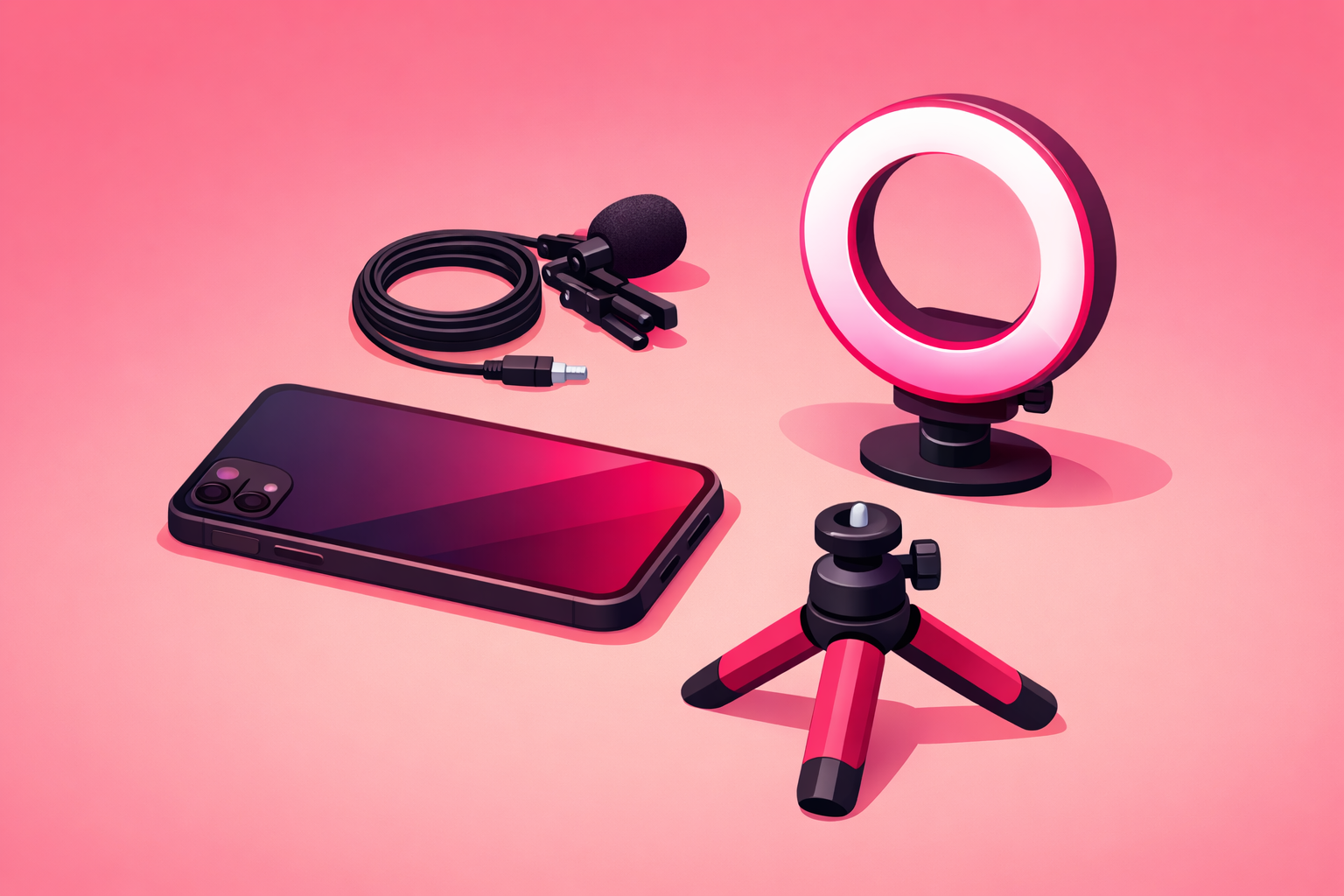
Almost every successful solo comedy creator on TikTok films with under $150 of gear plus a phone they already own. The full kit is short, and every piece is on the list for a specific reason. Avoid anything not on this list for at least your first 90 days.
- A smartphone from the last three years. Recent iPhones, Pixels, and Samsung Galaxy phones all film at a quality TikTok cannot tell apart from a DSLR. Camera quality is not the bottleneck.
- A phone tripod with a vertical mount and a 360 head. Roughly $25. The single most useful piece of gear you will buy. Without a tripod, your hand-shake reads as low-confidence content to the algorithm.
- A clip-on lavalier microphone. Wired or wireless. $30 to $80. This is the single biggest production upgrade you can make. We will come back to why in the next section.
- A small LED light or a north-facing window. Roughly $20 if you buy a light, free if you set up next to the window. Avoid overhead house lighting at all costs.
- A floor mark. A piece of painter's tape or a small rug. Free. Lets you return to the exact same spot for take after take.
Notice what is not on this list: gimbals, external cameras, ring lights mounted on the phone (they wash out skin tones and ruin eye-line), softbox light kits, drones, dolly sliders, fog machines, anything labeled “creator setup.” None of these are wrong; they are simply premature. You will know when you need them. Most comedy creators never do.
2. Audio First: The Most Common Reason Sketches Flop
The reason a comedy sketch flops is rarely the writing and almost never the camera. It is the audio. A phone microphone four feet away from your face picks up the room more than your voice, and the room is always doing something boring (a fridge hum, a fan, a faint traffic line) that flattens the punchline. The viewer notices in less than a second and scrolls. The algorithm watches that scroll and stops surfacing the clip.
There are three solo-creator audio solutions, in order of reliability:
- Clip-on lavalier microphone (best). Six to eight inches below the chin, clipped to a shirt or collar. The audio is clean, close, and consistent across every take. Models like the Rode Wireless Me, DJI Mic Mini, or any USB-C wired lavalier under $50 are all more than enough.
- Record audio separately, sync in the edit. Speak the lines into a phone voice memo in a quiet closet, then lay it over the body performance in the edit. Works especially well for character bits where lip-sync precision is not critical.
- Get closer to the phone microphone. If you have absolutely no other option, film within two feet of the phone and treat the bit as a close-up. The frame is tighter than ideal, but it beats four-feet-away room sound.
The rule that actually matters: If a stranger listening to your sketch with headphones on a train cannot understand every word, the bit will not travel. Fix the audio before you fix anything else.
3. Framing, Eyeline, and the Vertical Safe Zone
TikTok is a 9:16 vertical canvas, and the platform's UI cuts into the bottom and right side of the frame with the caption, the music tag, and the action buttons. The “safe zone” for a comedy creator is the middle vertical third of the screen, and the top half of that third is where the viewer's eye lands first.
Practical framing rules:
- Mount the phone at chest height. Eye-level or just below the eye-line reads as the most natural angle. Above eye-line looks like a security camera. Below eye-line reads as confrontational and lowers watch-through.
- Frame from collarbones to a hand-width above the head. This is the single most-used solo-creator frame on TikTok. Tight enough to read facial expression, loose enough to allow a gesture into the frame.
- Keep your face in the top half of the screen. The bottom half is where the captions and music tag live. If your face is centered, half of your expression is hidden by UI.
- Look just past the lens, not into it. Looking directly at the camera reads as confrontational. Looking just to the side of the lens reads like you are talking to a friend.
- Use a floor mark to return to the same spot. Inconsistent framing between takes is the single most-common reason a sketch's cuts feel jarring.
4. Lighting Without a Light Kit
Most comedy creators do not need a light kit. They need to stop fighting the wrong light. Overhead house light casts a shadow under the eyes and reads tired even on a great performance. Backlight from a window behind you turns your face into a silhouette. Both are far more common than they should be.
The fixes are simple:
- Find a window and face it. A north-facing window in daylight is the softest, most flattering light source you will ever shoot in. Stand three to six feet back, with the window at a 30 to 45 degree angle to your face, never directly behind you.
- If you have no window, buy a $20 LED panel. A small bi-color LED panel on a tripod in front of you, dimmed to the lowest setting that still lights the face, beats a $200 ring light for comedy. Ring lights create a distracting circular highlight in the eyes that reads as influencer content.
- Avoid the overhead bulb. Either turn it off, or stand far enough from it that the front fill from the window overwhelms it. The under-eye shadow it creates is the single most aging light on a face.
- Match the color temperature to the room. If the room has warm light spilling in, dial the LED panel warm. If the room is cool, dial it cool. Mixed color temperature makes the skin look greenish on camera.
5. The Background Decision That Builds a Brand
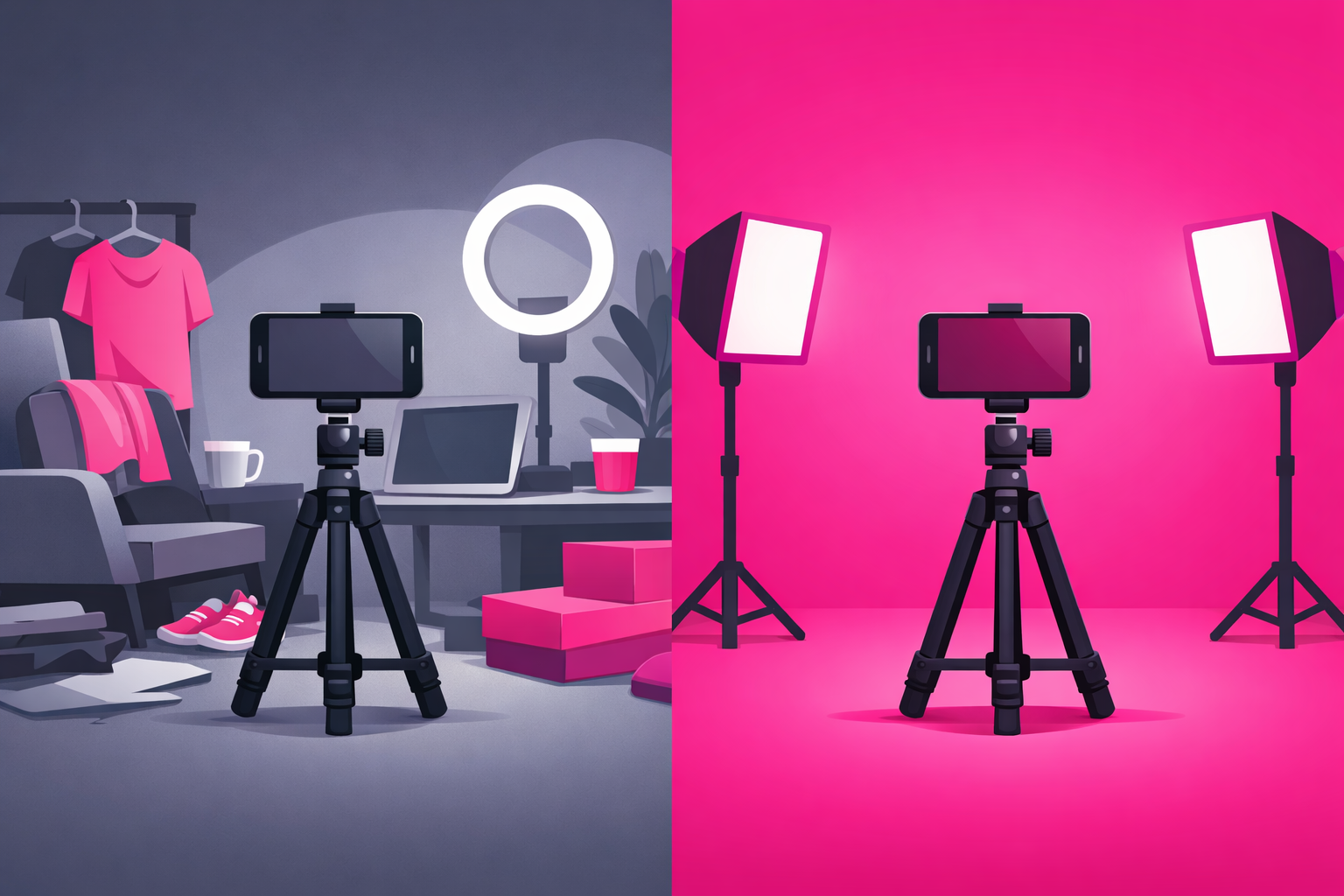
Most viral comedy creators film in front of the same background for months. This is not laziness; it is a deliberate brand choice. A consistent background turns into a visual signature, makes the account instantly recognizable, and lifts the watch-curve every time a viewer recognizes you mid-scroll.
Pick a background that is intentional, low-distraction, and reusable:
- A flat painted wall (any solid color). The most-used background on TikTok for a reason. No movement, no shadow detail, no laundry pile sneaking into the frame.
- A bookshelf or art wall at a slight angle. Adds depth without distraction. Works best if you commit to the same shelf for at least 60 days so the background reads as the same account.
- A kitchen or living room corner. Domestic enough to feel like a person, neutral enough not to upstage the bit. Make sure the lighting in that corner is solved before you commit to it.
- The same outdoor location. A balcony, a stoop, a particular park bench. Strongest for regional or city-specific comedy lanes where the location adds context.
Avoid: a different location every clip, a chaotic background with movement (a TV running, a pet roaming, a window with traffic), or a background so styled it pulls attention from the face. The bit is the foreground; the background is supporting cast.
6. Take Count: Why the Fifth Take Is Almost Always the Best
The most common production mistake among comedy creators is stopping at the first clean take. The first take is the safest performance, not the funniest. By the third or fourth take the rhythm has settled, the eye-contact is more honest, the body language is looser, and the punch lands sharper. By the seventh take the energy starts to drop. The window is narrow but consistent: most viral clips on TikTok are the fourth, fifth, or sixth take of the same bit.
Build the take count into your shoot from the start. Plan to film seven full takes of the bit and three takes of just the hook. Do not review footage between takes; that breaks the rhythm. Run them back to back, sit down once at the end, and pick the strongest take in the edit.
A trick used by long-tenured solo creators: between take three and take four, restate the premise out loud as if you are pitching it to a friend. The shift to natural-conversation voice almost always lands the next take with more energy than the first three.
7. Filming Both Characters of a Two-Person Bit Alone
The two-person sketch is one of the most reliable comedy formats on TikTok, and filming both characters yourself is significantly easier than it looks. The setup takes ten minutes; the workflow is repeatable.
- Mark the floor with two pieces of tape. One for each character. They should be roughly the distance two people would actually stand from each other in the scene. About two to three feet apart for most workplace and family bits.
- Lock the camera completely. Tripod, no movement, no re-framing between characters. The whole illusion depends on the frame staying identical.
- Pick a single costume detail per character. A hat, a jacket, a pair of glasses, a different shirt. The viewer needs an instant visual cue. Voice changes alone are not enough.
- Film Character A all the way through, including pauses. Leave the pauses where Character B would be talking. Do not act them out; just stand and stare into the space where they would be.
- Swap costume detail, step to the other mark, film Character B reacting to silence. Same all-the-way-through approach. Leave space where Character A talks.
- In the edit, cut between the two takes with frame-tight transitions. Cut on the words, not on the silences. The viewer's brain fills in the spatial relationship; you do not need any fancy transition effect.
Optional polish for advanced solo creators: after both takes, rotate the camera 15 degrees and shoot a third “wide” take with both characters mimed from the middle. Inserting this wide for two seconds early in the sketch sells the spatial illusion so completely that viewers stop noticing the bit was filmed alone.
8. Edit Pacing: How a Sharper Cut Beats a Stronger Performance
The edit is where a mediocre take becomes a sharp clip and a great take becomes a viral one. Comedy on TikTok lives or dies on pacing. The biggest mistake is leaving half a second of dead air around each line: by the third pause the viewer is gone.
Edit rules that consistently lift watch-through:
- Cut frame-tight on every beat. Trim the moment of inhale before each line and the moment of exhale after. The bit should feel like the character is two beats ahead of where you naturally spoke it.
- Cut on the consonant, not the vowel. A hard sound at the start of the next line gives the cut a satisfying snap. Cutting on vowels feels mushy.
- Use a single overlay text on the hook. A short premise on the first three seconds gives muted scrollers a reason to unmute. After the hook, captions are optional.
- Add a half-beat of reaction at the end. A face-hold for one beat after the punch lands lets the laugh breathe. Cut to black or hard-stop and the joke feels rushed.
- Never use a transition effect on a comedy bit. Whip-pans, glitch cuts, and zoom transitions all read as content-creator energy, which dampens the comedic-believability of the performance.
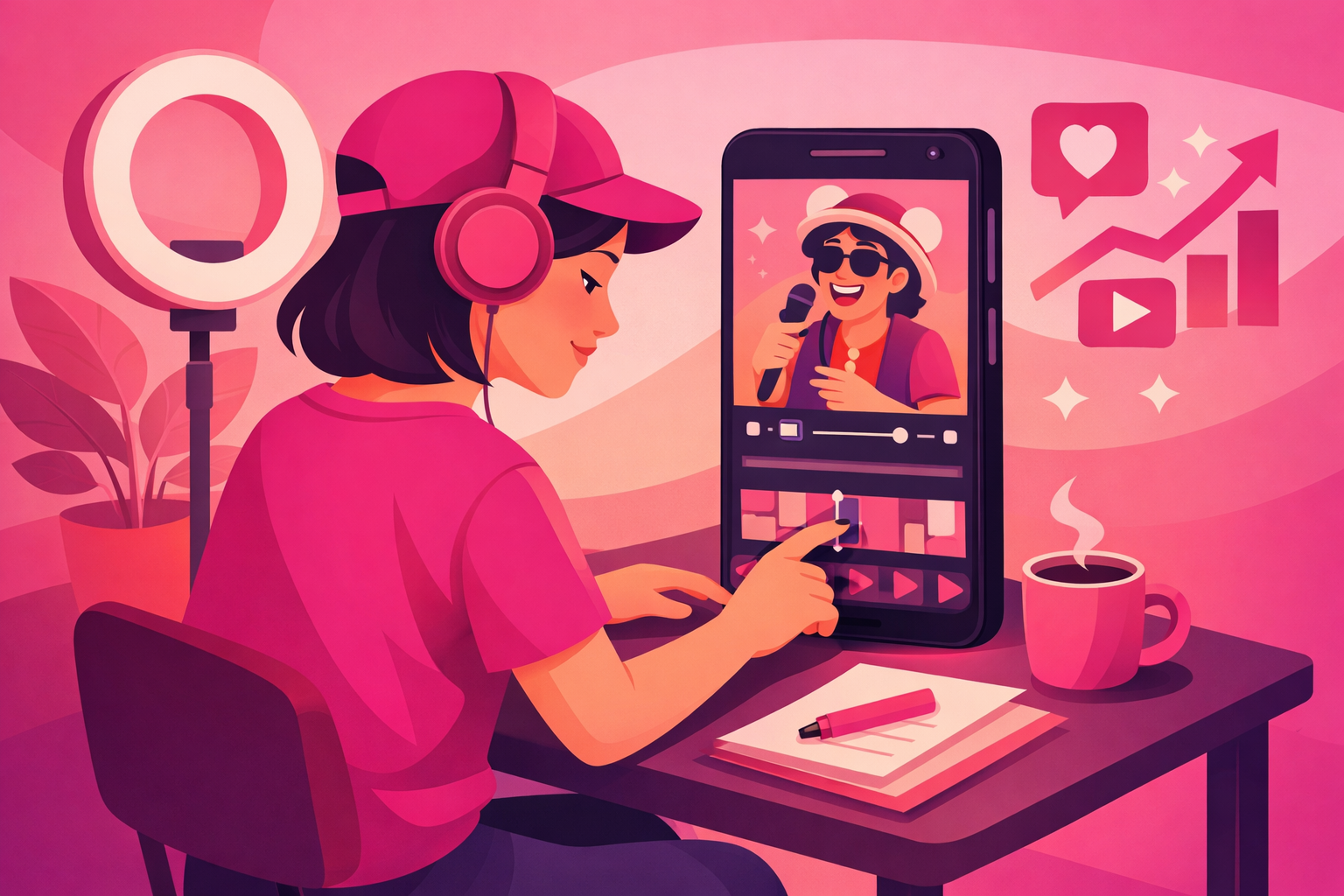
Most solo comedy creators edit in CapCut or the native TikTok editor. Both are more than enough. Final Cut, Premiere, and DaVinci Resolve are over-tooled for vertical comedy and add hours of friction per sketch. The fastest editors in the comedy space ship a finished clip in 15 to 20 minutes inside CapCut.
9. Captions: When To Use Them, When To Skip Them
Captions are misunderstood. The instinct is to caption every line for accessibility; the algorithmic reality is that captions on every line train the viewer to read instead of watch, which drops face-time engagement and signals that the audio is not the value of the clip. For comedy specifically, the punch is the face. Captions over the punch line steal attention from the delivery.
The rule that holds up across thousands of viral comedy clips:
- Caption the hook (the first three to five seconds). One short overlay tells muted scrollers what the bit is about and earns the unmute.
- Caption the punch only if it lands flat without the words on-screen. Test both versions. Most punches read better without text overlay if the audio is clean.
- Do not caption every line. The exception is voice-only story-time formats where there is no on-screen face for the viewer to read.
- Use TikTok's native auto-caption track sparingly. The native track is good for accessibility, weak for comedy timing. If you turn it on, position it at the top of the frame instead of the default bottom so it does not steal attention from the face.
10. The 45-Minute Solo Comedy Shoot Workflow
Most solo creators who post consistently follow the same shoot rhythm. The full process, from setup to upload, takes about 45 minutes per sketch once the kit lives in the same spot in the room. The workflow below is the most-used version in 2026:
- Minute 0 to 5: Set up the kit. Mount the phone, clip on the microphone, dial the lights, place the floor marks. Once your setup lives in the same spot, this drops to two minutes.
- Minute 5 to 10: Three takes of just the hook. Three different deliveries of the first three seconds. Do not run the full bit yet; just the open.
- Minute 10 to 25: Five to seven full takes of the bit. Back to back, no playback between takes. Reset between takes by restating the premise out loud as if pitching to a friend.
- Minute 25 to 35: Optional second-character takes. Costume swap, step to the second floor mark, run Character B's side. Skip for solo POV bits.
- Minute 35 to 50: Edit in CapCut or native TikTok editor. Pick the strongest hook, pick the strongest body take, cut frame-tight, add one overlay on the hook, watch the full draft at normal speed.
- Minute 50 to 55: Caption, cover image, and upload. Caption is two sentences max, no more than three hashtags, one of which is your lane (#workplacecomedy, #parenttok, #storytime). Cover image is a face-forward frame from the punch.
Run this workflow three times a week and you have a sustainable comedy account. The creators who post sketches profitably for years almost all run a version of this exact rhythm, not a more elaborate one.
11. Seven Production Mistakes That Flatten Funny Bits
- Filming with the phone microphone at four-feet distance. The single most-common production failure. Always close-mic or use a lavalier.
- Stopping at the first clean take. The first take is rarely the funniest. Schedule five to seven takes from the start.
- Backlighting your face with a window. Window-behind-the-back turns the face into a silhouette. Always face the light source, never the opposite direction.
- Centering the face on the screen. The bottom half of the frame is UI territory on TikTok. Keep the face in the top half.
- Captioning every single line. Trains the viewer to read instead of watch. Caption the hook only, leave the punch in the audio.
- Whip-pan and glitch transitions. Reads as content-creator energy. Comedy works best with hard cuts, no effects.
- Changing background every clip. Costs you brand recognition. Pick one and live there for 60 days minimum.
12. When To Put Money Behind a Sketch
Solid production lifts the ceiling of a comedy bit, but it does not change which bits the algorithm chooses to push. The clearest signal that a clip can travel is organic momentum in the first 24 hours. Promoting cold or average-performing clips wastes budget. Promoting clips that have already cleared a momentum threshold can multiply reach 5 to 20x.
A practical rule: if a sketch clears your normal completion rate by 20 percent or your normal share rate by 30 percent within the first 24 hours, it is a candidate for paid amplification. This is exactly the strategy Viryze was built for. Instead of spraying budget across every upload, our platform amplifies the clips that have already cleared an organic signal threshold and auto-shifts spend toward the audience segments responding fastest. For solo comedy creators that usually means surging budget into the workplace, regional, or family audience that resonated most with the bit, which is also where brand-deal pitches in the right verticals start gaining traction.
For the broader strategic frame, read our complete TikTok advertising guide and our deep-dive on Spark Ads for creators.
You filmed the bit. Do not let it die at 50K views.
The production work above is what makes a clip watchable. The amplification work is what decides whether 80,000 people see it or eight million. Most solo creators only have a handful of clips a year that earn paid promotion, and the trending window for each is short. Recognize them quickly and pour budget behind them while the signal is hot.
Viryze was built for exactly this moment. We amplify clips that have already proven they can travel, auto-shift budget toward the audience segments responding fastest, and report results in plain English so you can keep filming instead of staring at Ads Manager.
See how Viryze amplifies your best sketchesFrequently Asked Questions
What is the best phone setup for filming TikTok comedy sketches alone?
A smartphone from the last three years, a vertical tripod at chest height, a clip-on lavalier microphone, and a soft front light or window. The total cost is under $150 and outperforms most influencer-style setups because audio and framing are the two things the algorithm reads through retention. You do not need a DSLR, a gimbal, or an external monitor.
How do solo creators film both characters of a two-person sketch?
Lock the camera on a tripod, mark the floor with two pieces of tape (one per character), and film one side all the way through. Then swap a single costume detail, step to the second mark, and film the other character reacting to silence. In the edit, cut between the two takes with frame-tight transitions on the consonants of each line.
How long should a comedy sketch be on TikTok?
For most sketches, 15 to 35 seconds is the sweet spot. Anything past 45 seconds needs a clear stakes question in the first three seconds or watch-through collapses. Story-time and POV monologues can run 60 to 90 seconds because retention scales with stakes setup. Creators chasing the Creator Rewards Program also have to clear the one-minute threshold.
Should I use captions on every line in a comedy sketch?
No. Caption the hook and the punch only. Captions on every line train the viewer to read instead of watch, which collapses retention and signals to the algorithm that the audio is not the value. The exception is voice-only story-time where captions carry the bit because there is no on-screen face for the viewer to read.
How many takes should I film for a single comedy TikTok?
Five to seven full takes of the bit, plus three dedicated takes of just the hook. The first take is rarely the funniest. Comedy timing sharpens with repetition: by the fifth take the rhythm tightens, the punch lands cleaner, and the eye-contact improves. Schedule 30 to 45 minutes per sketch and accept that most of that time is reshooting, not setup.
What editing app do most solo TikTok comedy creators use?
CapCut and the native TikTok editor cover almost every solo comedy use case. Both are free, optimized for vertical, and ship a finished sketch in 15 to 20 minutes. Final Cut, Premiere, and DaVinci Resolve are over-tooled for vertical comedy and add hours of friction per sketch.
When should I run paid promotion on a comedy sketch?
Only after the clip has organic momentum. A practical rule: if a video clears your normal completion rate by 20 percent or your normal share rate by 30 percent within the first 24 hours, it is a candidate for amplification. Services like Viryze are built for selective amplification on already-warm clips rather than spraying budget across every upload.
Keep Reading

Head of Creator Success at Viryze
TikTok growth strategist helping creators reach their first 100K followers through data-driven promotion strategies.