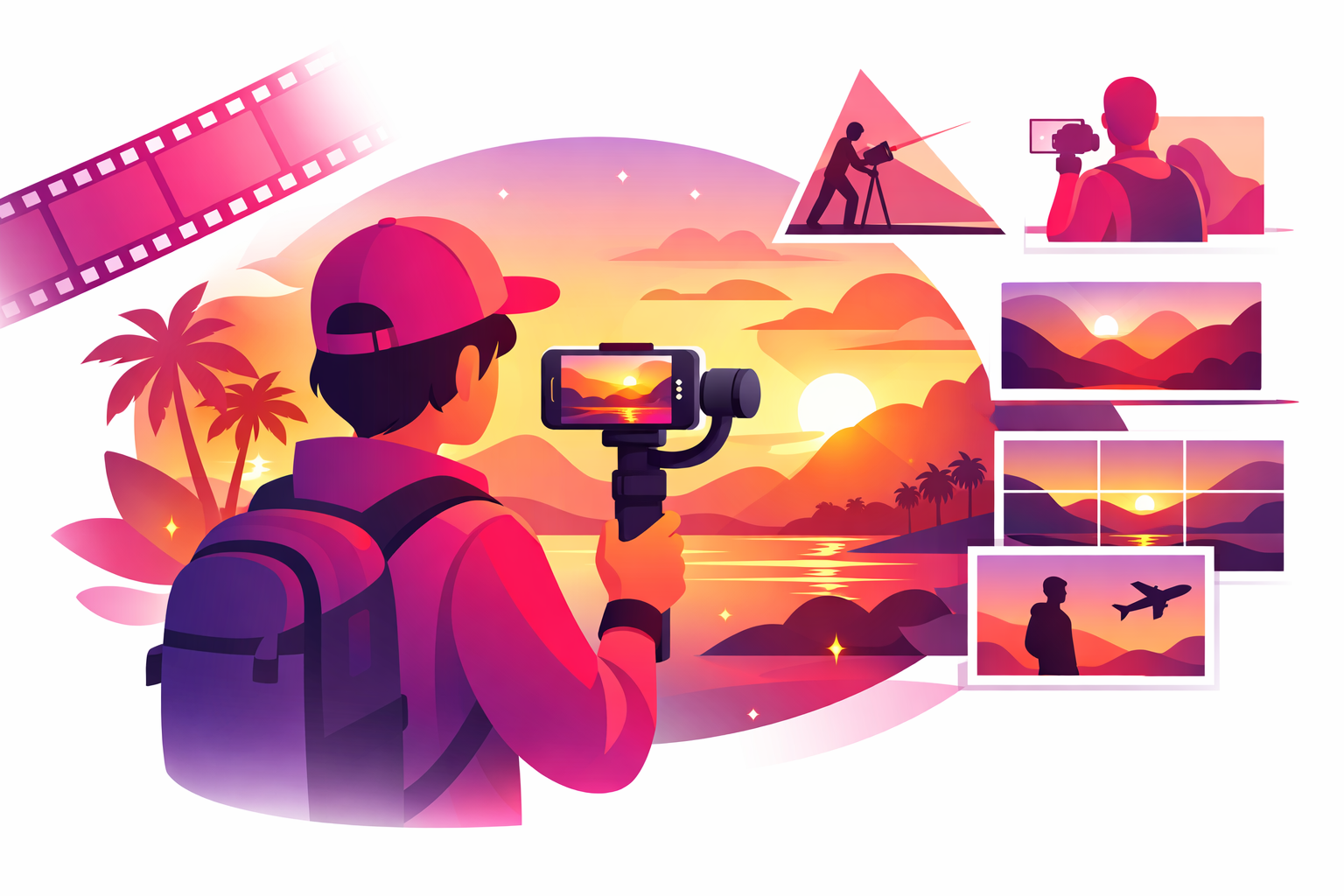
You've been to incredible places. Your camera roll proves it. But when you watch your TikToks back, something feels off. The footage looks shaky. The lighting is flat. Other travel creators make the same destinations look like movie scenes—and you can't figure out what they're doing differently.
The difference isn't expensive equipment. Most viral travel TikToks are filmed on smartphones. The difference is technique—how you move the camera, when you press record, and how you piece clips together in editing. These are learnable skills, and once you understand them, every trip becomes a content goldmine.
This guide walks you through the complete process of filming cinematic travel content for TikTok, from camera settings and shot composition to gear recommendations and editing workflows. Whether you're filming on a beach in Bali or a street market in Mexico City, these techniques work everywhere.
Why filming technique matters on TikTok:
- Cinematic travel videos get 2-3x higher save rates than basic footage
- Smooth, stabilized content retains viewers 40% longer on average
- Videos with strong opening shots reduce skip rate by 60% in the first 2 seconds
- Golden hour footage outperforms midday footage by 2x in engagement
What You'll Learn
- 1. Smartphone Camera Settings for Cinematic Footage
- 2. Essential Camera Movements for Travel Videos
- 3. Composition Techniques That Create Visual Impact
- 4. Working With Natural Light While Traveling
- 5. Essential Gear for Travel Filmmakers
- 6. The Travel Creator's Shot List
- 7. Editing Your Travel Footage for TikTok
- 8. Mastering Transitions Between Locations
- 9. Common Filming Mistakes to Avoid
- 10. Frequently Asked Questions
Smartphone Camera Settings for Cinematic Footage
Before you leave for your next trip, spend ten minutes configuring your phone's camera. The default settings are designed for quick snapshots, not cinematic video. A few adjustments make a massive difference in your final footage.
Resolution and Frame Rate
- Best option: 4K at 30fps — maximum detail with natural motion
- Great alternative: 1080p at 60fps — smoother motion, ideal for walking shots and action
- For slow motion: 1080p at 120fps or 240fps — dramatic slow-mo reveals of destinations
- Avoid: 720p or auto settings — TikTok compresses video heavily, so start with the highest quality possible
Lock Your Exposure and Focus
Nothing screams “amateur” like footage where the brightness jumps around as you pan across a scene. On most smartphones, you can lock exposure by long-pressing on the screen until you see “AE/AF Lock.”
- Lock exposure before each shot — prevents flickering when panning
- Lock focus on your subject — keeps the important elements sharp
- Slightly underexpose — it's easier to brighten dark footage in editing than to fix blown-out highlights
If your phone supports it, shoot in a “cinematic” or “film” mode. iPhones have Cinematic Mode which creates a shallow depth of field. Many Android phones offer similar features. Understanding how the TikTok algorithm prioritizes content helps you understand why higher production quality leads to better distribution.
Essential Camera Movements for Travel Videos
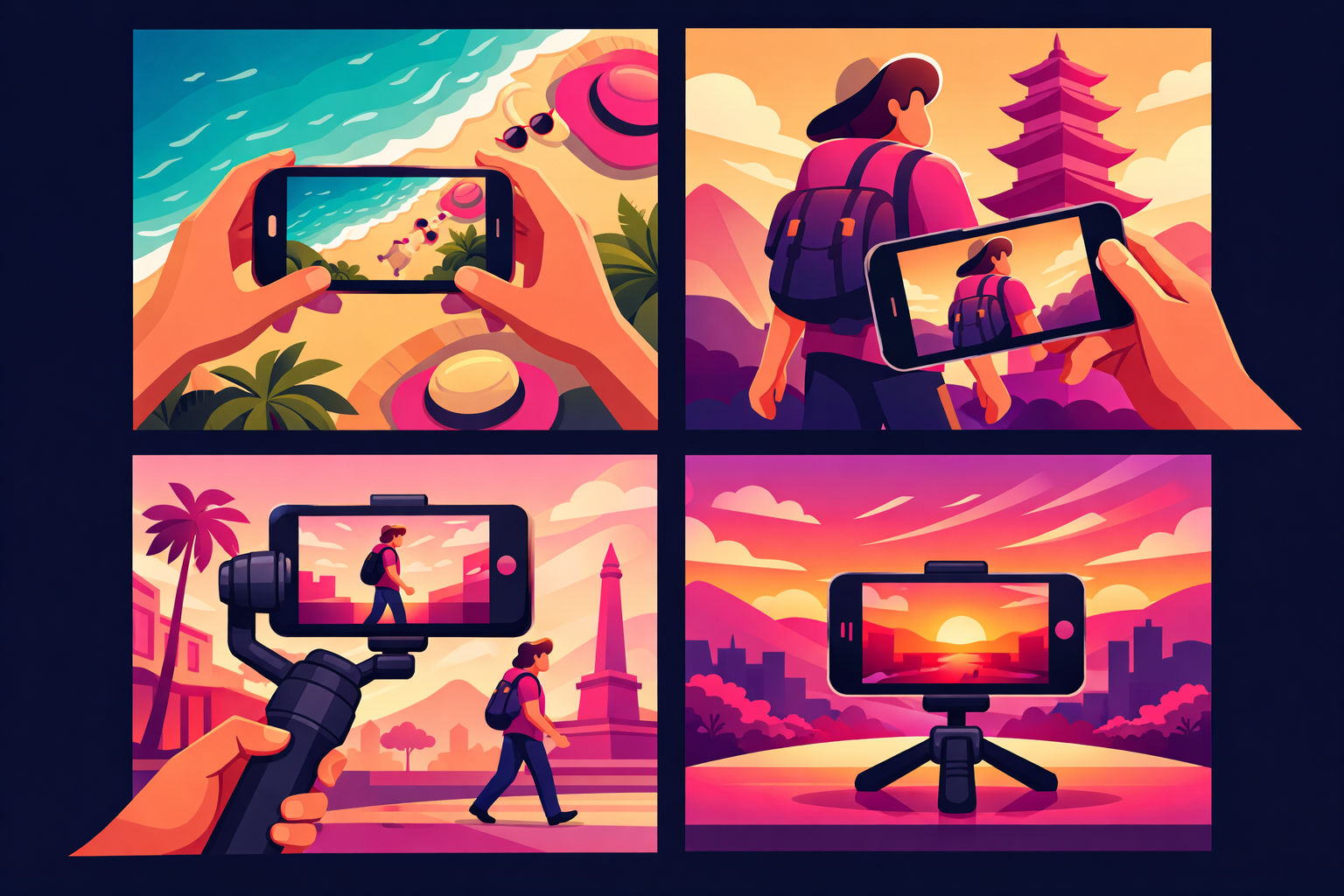
Static shots have their place, but movement is what makes travel content feel cinematic. Here are the six camera movements every travel creator should practice.
1. The Slow Pan
Start with your camera pointing at one part of a scene, then rotate smoothly to reveal the rest. Works beautifully for landscapes, cityscapes, and interior spaces. Move slowly — much slower than you think you should. A good pan takes 5-8 seconds.
2. The Tracking Shot
Walk alongside or behind your subject while keeping the camera steady. A gimbal makes this infinitely smoother, but you can get decent results by bending your knees slightly and walking heel-to-toe. Perfect for walking through markets, streets, and nature trails.
3. The Reveal Shot
Start filming something ordinary (a wall, a doorway, the ground), then move the camera to reveal something spectacular. This is the single most powerful shot in travel content—it creates suspense and a moment of awe. Walking through an archway to reveal a valley, or tilting up from the street to show a cathedral.
4. The Orbit
Circle around your subject while keeping it centered in frame. This adds drama and depth, especially around statues, food plates, or a person standing at a viewpoint. Move in a wide circle for a subtle effect, or a tight circle for intensity.
5. The Low Angle
Hold your phone near the ground and angle it slightly upward. This makes buildings look towering, streets look expansive, and people look powerful. It's one of the easiest ways to make ordinary locations look cinematic.
6. The Hyperlapse
Walk forward while filming in time-lapse mode. Most smartphones have a built-in hyperlapse feature. This compresses long walks through cities or hikes into dramatic 5-10 second clips. Keep your phone as steady as possible and walk at a consistent pace.
Practice each movement before your trip. Filming at home helps you build muscle memory so you're ready when you're standing in front of something worth capturing. For more ideas on what to film, check out our 50+ travel TikTok content ideas.
Composition Techniques That Create Visual Impact
Good composition is the difference between a video that feels professional and one that feels like a random phone recording. You don't need film school—these four rules cover 90% of what makes travel footage look polished.
The Rule of Thirds
Enable the grid overlay on your phone camera. Place your main subject where the grid lines intersect, not dead center. A person standing at the left third with a mountain filling the right two-thirds looks far more compelling than a centered subject.
Leading Lines
Use roads, pathways, rivers, fences, or architectural lines to draw the viewer's eye into the scene. A cobblestone street leading toward a church, train tracks vanishing into mountains, or a dock extending into a lake—these natural lines create depth and pull viewers into the frame.
Foreground Interest
Include something in the front of your frame. Shooting through flowers, around a doorway, past a railing, or through hanging vines adds layers to your footage. It separates cinematic shots from flat, one-dimensional recordings.
Natural Framing
Use arches, windows, tree branches, or cave openings to frame your subject. This naturally directs attention and creates a sense of discovery—like the viewer is peering into a beautiful scene.
Working With Natural Light While Traveling
Lighting makes or breaks travel footage. You can't bring studio lights to a mountain summit, so learning to work with natural light is essential.
The Golden Hour Schedule
- Sunrise golden hour: First 60 minutes after the sun rises — softer, quieter, fewer tourists in frame
- Sunset golden hour: Last 60 minutes before sunset — warmer tones, dramatic skies, most iconic travel shots
- Blue hour: 20-30 minutes after sunset — deep blue sky with city lights creating a moody atmosphere
- Overcast days: Nature's softbox — even lighting with no harsh shadows, great for street and portrait content
Plan your most important shots around golden hour. Check a sunrise/sunset app for exact times at your destination. Arrive 15 minutes early to scout angles and set up.
For midday shooting (when the sun creates harsh shadows), look for open shade—areas that are shaded but still bright. Covered walkways, under large trees, or the shaded side of buildings. Avoid filming with the sun directly behind your subject unless you intentionally want a silhouette effect.
Essential Gear for Travel Filmmakers
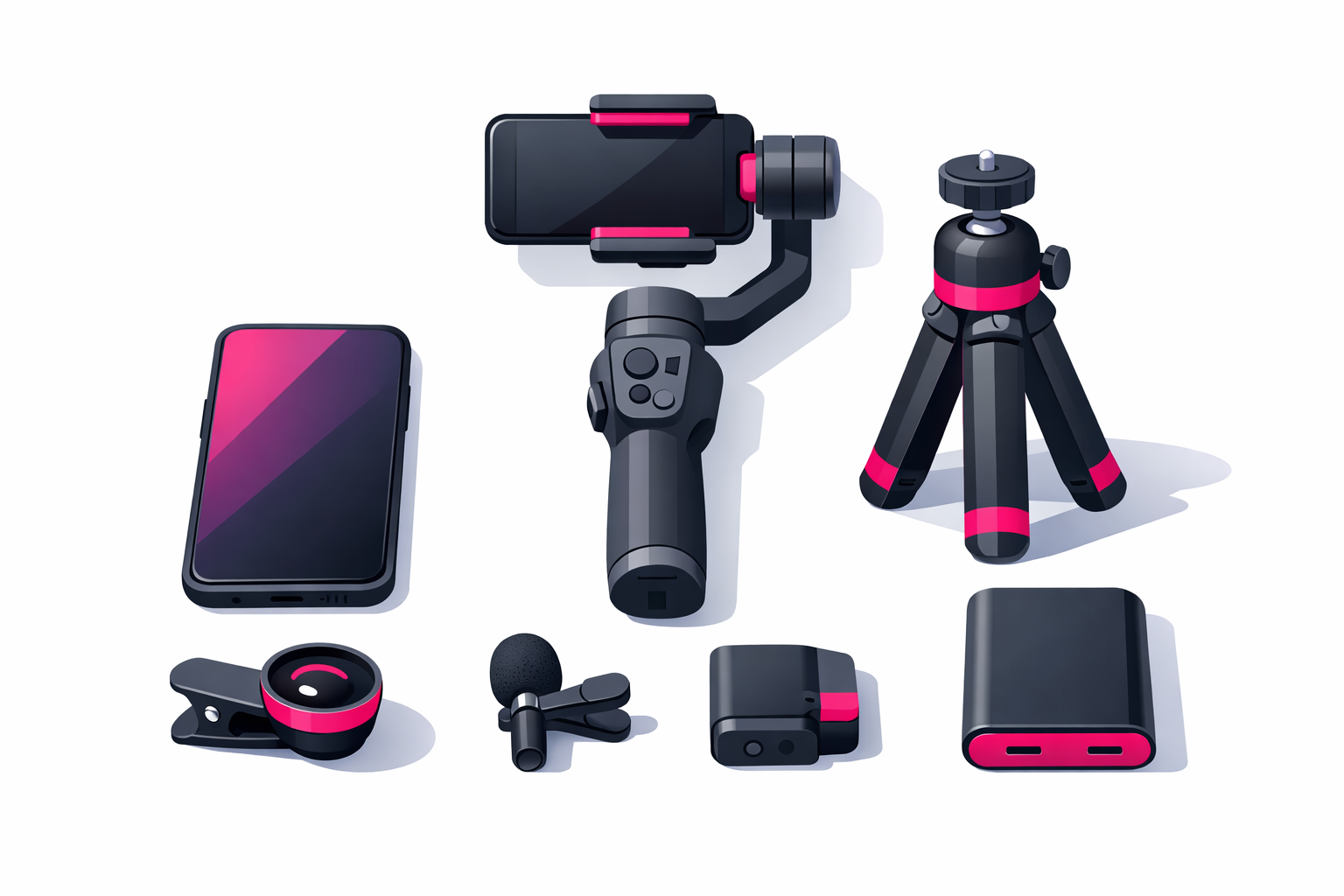
You can create stunning travel content with nothing but a smartphone. But a few affordable accessories dramatically improve your production quality. Here's what to buy (and what to skip) at every budget level.
Starter Kit (Under $50)
- Compact tripod with phone mount ($15-25) — essential for time-lapses, self-filming, and stable establishing shots
- Clip-on wide-angle lens ($15-25) — captures more of the scene in tight spaces like narrow streets or small rooms
Intermediate Kit ($50-200)
- Smartphone gimbal ($80-130) — the single most impactful upgrade for smooth walking shots and tracking footage
- Wireless lavalier microphone ($30-60) — clean audio for voiceovers and talking-to-camera segments
- Portable power bank ($20-40) — filming drains batteries fast, especially in 4K
Advanced Kit ($200-800)
- Action camera (GoPro) ($200-400) — waterproof, ultra-wide, perfect for adventure activities
- Compact drone ($300-800) — aerial shots transform travel content instantly, but check local drone regulations before flying
- ND filter set for phone ($20-40) — controls light for smoother motion blur in bright conditions
Start with the starter kit and add pieces as your channel grows. Many creators earning a full-time income from travel content still film primarily on their smartphone. The gear matters far less than how you use it. For a deeper look at building your travel account, see our complete guide to growing your travel TikTok.
The Travel Creator's Shot List
When you arrive at a destination, it's easy to get overwhelmed. Having a standard shot list ensures you capture enough variety for multiple TikToks from a single location.
Film These 10 Shots at Every Location
- Wide establishing shot — sets the scene and shows the full location
- Detail close-ups — textures, patterns, food, flowers, signs (3-5 different details)
- Walking approach shot — film yourself walking toward the location
- Reaction shot — capture your genuine first reaction
- POV shot — first-person view of what you're seeing
- Slow pan — smooth 180-degree pan of the scenery
- Low angle upward shot — adds drama to buildings and landscapes
- People and activity — local life, movement, energy of the place
- Time-lapse — 30-60 seconds of real time compressed into 3-5 seconds
- B-roll transitions — hands opening doors, feet walking, turning corners
With these ten shots from a single location, you can create 3-5 different TikToks. A destination reveal, a detailed exploration, a POV experience, and a cinematic montage — all from the same place, just different clips combined differently.
Editing Your Travel Footage for TikTok
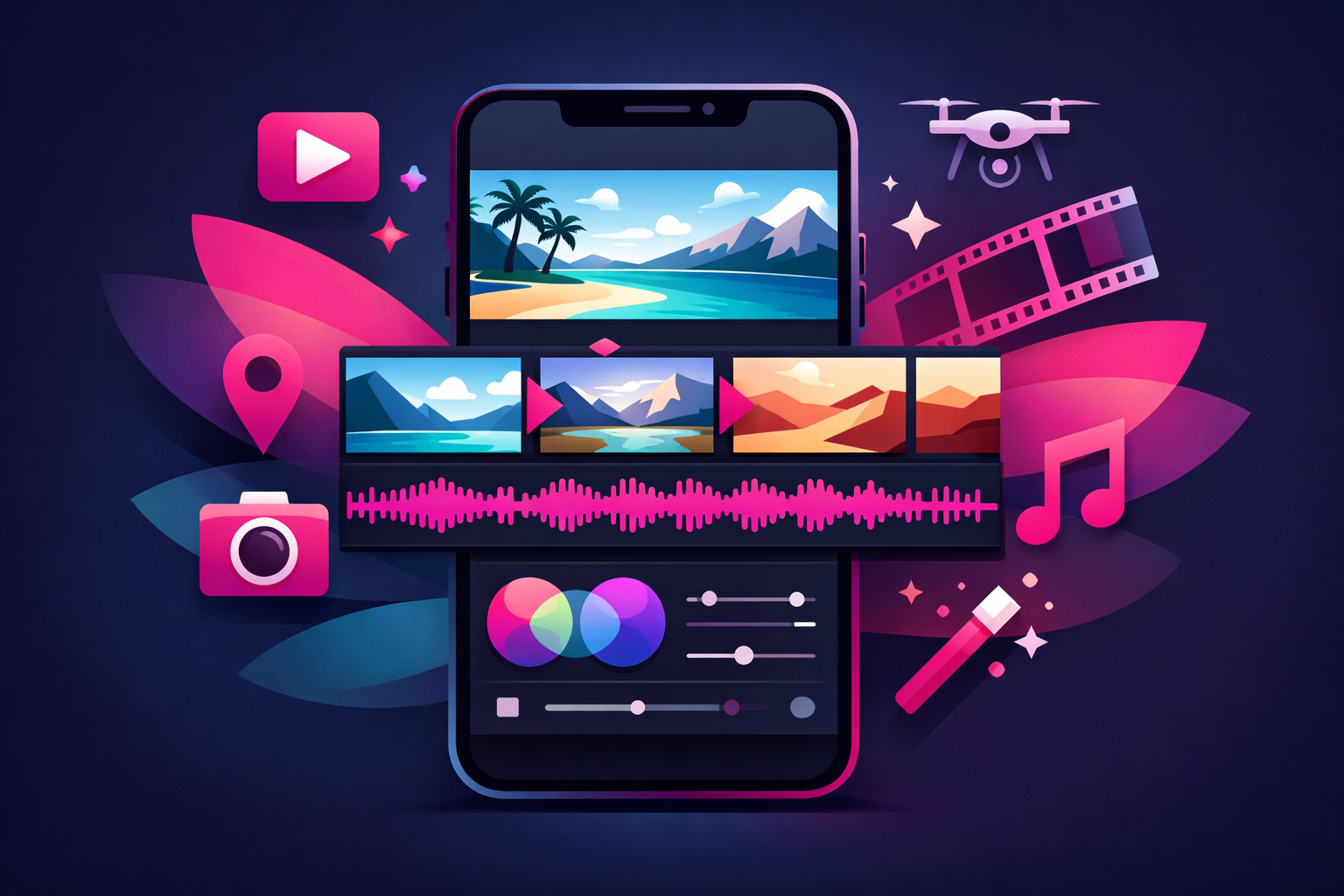
Great editing takes good footage and makes it unforgettable. Here's how to edit travel content that keeps viewers watching until the last second.
Editing Apps Worth Using
- CapCut — Free, powerful, and built for TikTok. Has templates, effects, and auto-captions. The best choice for most travel creators.
- VN Video Editor — Clean interface with professional features like speed curves and keyframe animation. Great free alternative.
- Adobe Premiere Rush — Professional-grade mobile editing for creators who want more control. Paid but worth it for serious creators.
- TikTok's built-in editor — Quick edits with trending effects and sounds, but limited compared to dedicated apps.
Editing Principles for Travel Content
- Cut on the beat: Align your clip transitions with the rhythm of your music. This single technique makes edits feel intentional rather than random.
- Keep clips short: 1-3 seconds per clip maintains energy. Longer clips (4-6 seconds) work for dramatic moments, but most cuts should be quick.
- Start with your best shot: The first frame determines whether someone keeps watching. Lead with a stunning landscape, surprising moment, or intriguing close-up.
- Color grade consistently: Apply the same color preset to all clips in a video for a cohesive look. Warm tones for tropical destinations, cool tones for urban content.
- Use speed changes: Slow motion for dramatic moments (waves crashing, sunset panning), speed ramping for walking sequences and transitions.
Audio choices matter as much as visual editing. Use trending sounds for discoverability, but don't force a sound that doesn't match your footage. Cinematic travel montages often perform best with instrumental music rather than vocal tracks, because the visuals are the main attraction.
Mastering Transitions Between Locations
Smooth transitions between locations are what separate travel montages that feel professional from those that feel like a random slideshow. Here are the most effective transitions that work specifically for travel content.
The Whip Pan
Quickly pan your camera to the side at the end of one clip and start the next clip with the same fast pan. In editing, cut where the motion blur peaks. This creates a seamless “whoosh” between two completely different locations.
The Object Match
Find similar objects at different locations—a doorway, a round window, a coffee cup, a street lamp. End one clip focused on the object, start the next clip focused on the matching object. The visual similarity tricks the eye into seeing a seamless transition.
The Walk-Through
Walk toward a wall, pillar, or doorway until it fills the entire frame. At the next location, start with the camera close to a surface and pull back to reveal the new scene. This is the easiest transition to execute and one of the most effective.
The Hand Cover
Cover the camera lens with your hand at the end of one clip. At the next location, start with your hand covering the lens and pull it away. Simple, clean, and works in any environment.
The key to all transitions: consistency in speed and direction. If you pan right to end a clip, pan right to start the next one. If you move the camera up, start the next clip moving up. Matching the motion makes the cut invisible.
Common Filming Mistakes to Avoid
Even with great technique, these common mistakes can undermine your travel footage. Avoid them and your content will immediately stand out.
- Filming too fast: New creators rush through shots. Hold each shot for at least 5 seconds—you can always trim in editing, but you can't add time back.
- Ignoring audio: Wind noise, traffic, and crowd sounds ruin otherwise beautiful footage. Use a windscreen on your microphone or plan to replace audio with music in editing.
- Only filming horizontal: TikTok is vertical. Film vertical by default, with occasional horizontal clips for cinematic B-roll you can crop or use for other platforms.
- Shooting into the sun: Unless you want silhouettes, keep the sun behind you or to the side. Your phone's sensor can't handle extreme backlight well.
- Skipping B-roll: It's tempting to only film the “main event.” But close-ups of food, hands opening doors, feet on cobblestones, and detail shots are what make your edits feel complete.
- Over-editing: Too many effects, filters, and transitions distract from the destination. Let the location be the star. Clean, simple edits outperform over-produced content.
Getting Your Cinematic Content Seen
Filming cinematic travel content takes real effort. Once you've invested that time, make sure your videos actually reach the right audience. Many travel creators use professional TikTok promotion services to amplify their best work. Tools like Viryze test multiple audience segments to find travelers most likely to follow your account—so your cinematic footage reaches people who genuinely appreciate high-quality travel content.
Ready to Grow Your Travel Audience?
You're putting the work into filming cinematic content. Let Viryze put your best videos in front of travelers who want to follow creators like you. We test audiences and optimize for real follower growth.
Start Promoting Your Travel VideosFrequently Asked Questions
What is the best resolution to film TikTok travel videos?
Film at 4K 30fps for maximum detail, then export at 1080p for TikTok. This gives you room to crop, stabilize, and zoom in post without losing sharpness. If your phone struggles with 4K, 1080p at 60fps is an excellent alternative that produces smooth motion, especially for walking shots and fast-moving scenes.
Do I need a gimbal for travel TikTok content?
A gimbal is not required but it is the single best upgrade for travel content quality. Modern phone gimbals cost around $80-130 and eliminate shaky footage instantly. If you film a lot of walking tours, city explorations, or tracking shots, a gimbal transforms your content from amateur to cinematic. Start without one, but make it your first gear purchase when you're ready to invest.
How do I film smooth transitions between locations on TikTok?
Match movement, angle, and speed between clips. Film yourself walking toward an object at the end of one clip, then walking away from a similar object at the next location. Cut at the exact moment the object fills the frame. Practice with simple pan transitions before attempting complex match cuts.
What is the best time of day to film travel content?
Golden hour—the first hour after sunrise and the last hour before sunset—produces the most cinematic footage. The warm, soft light eliminates harsh shadows and makes every location look stunning. Blue hour (20-30 minutes after sunset) is perfect for city skyline shots. Midday sun creates harsh shadows, so use that time for indoor content or food shots.
How long should a travel TikTok video be?
For cinematic travel content, 15-45 seconds is the sweet spot. Short montages (15-20 seconds) with trending audio perform best for discoverability, while tutorial-style content can go up to 60 seconds. Start with shorter edits and gradually experiment with longer formats as your audience grows.
Continue Reading
TikTok for Travel Creators: Complete Guide
The full strategy for growing your travel account from zero
50+ Travel TikTok Content Ideas
Never run out of travel video concepts with this massive idea list
How the TikTok Algorithm Works
Understand what determines which videos go viral
Ultimate TikTok Growth Guide
Proven strategies to grow from 0 to 100K+ followers

Head of Creator Success at Viryze
TikTok growth strategist helping creators reach their first 100K followers through data-driven promotion strategies.